Ollama Finally Has a UI, But I'm Ready to Jump Ship

Ollama updated to version 1.8 last week and finally has its own interface. Click the little alpaca and you can start chatting right away.
Anyone who needs a UI no longer has to deploy a separate one — the barrier is lowered once again. People who aren't familiar with the command line can now use it happily too.
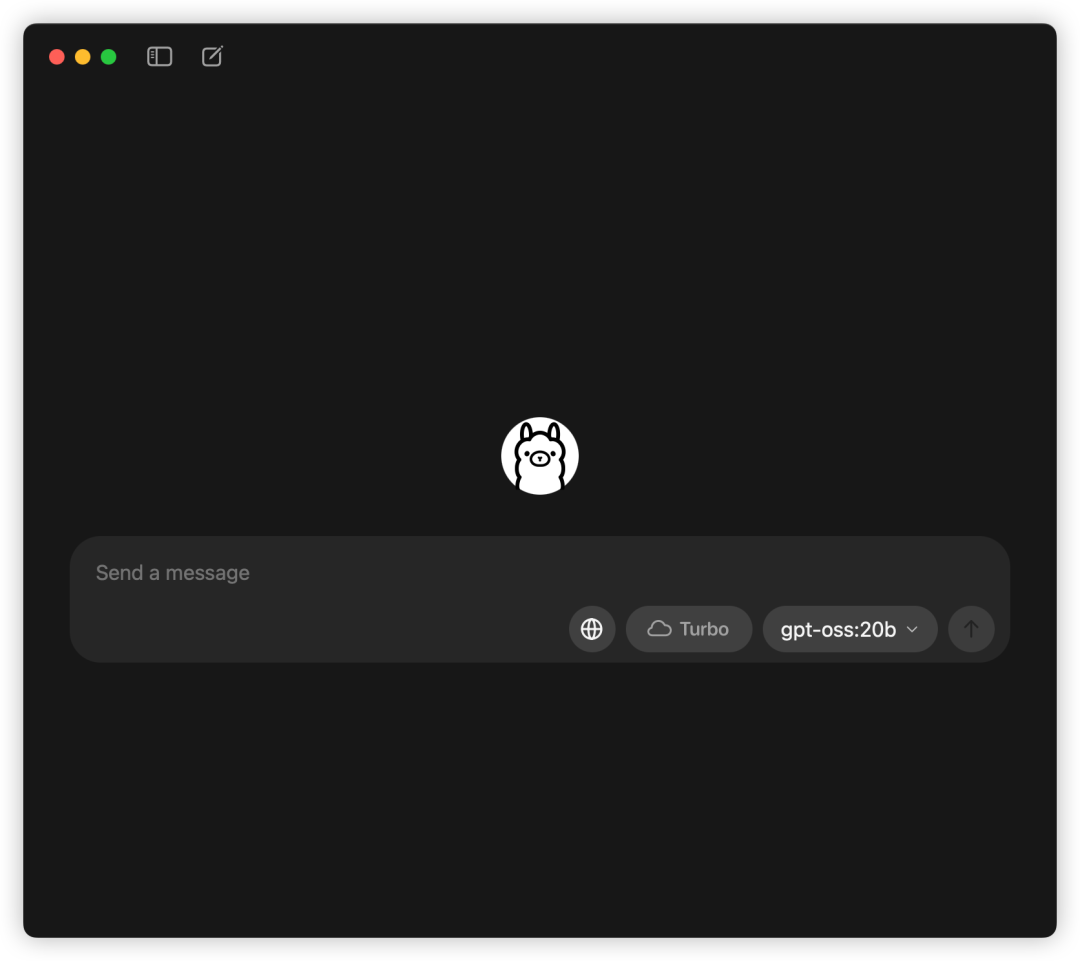
The interface takes a minimalist approach and only supports simple conversations — uploading files and multimodality are definitely not supported. Web search is also limited to the two GPT models.
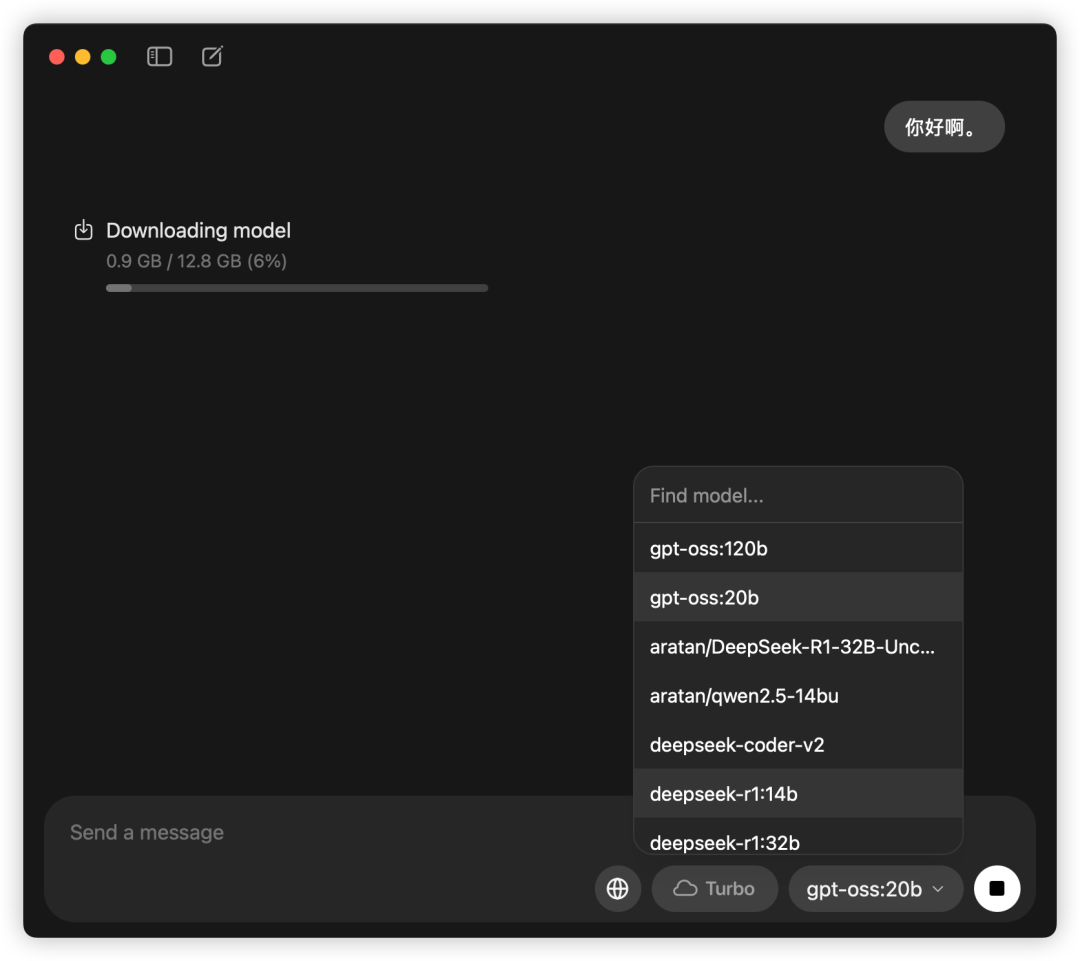
The model list shows downloaded, ready-to-use models plus models downloaded before (with a download prompt on the right). For already-downloaded models, there's also an upgrade prompt.
You can't see the download speed and you can't stop it either. But the latest gpt-oss model is featured first, with no download prompt — chatting with it triggers an immediate download. If your home network is bad, it might hang for ages.
Also, the search function has a bug; fuzzy search isn't done well. For example, searching for glm returns nothing, but glm4 does. If you can't find a model, you need to check the official site for the exact model name.
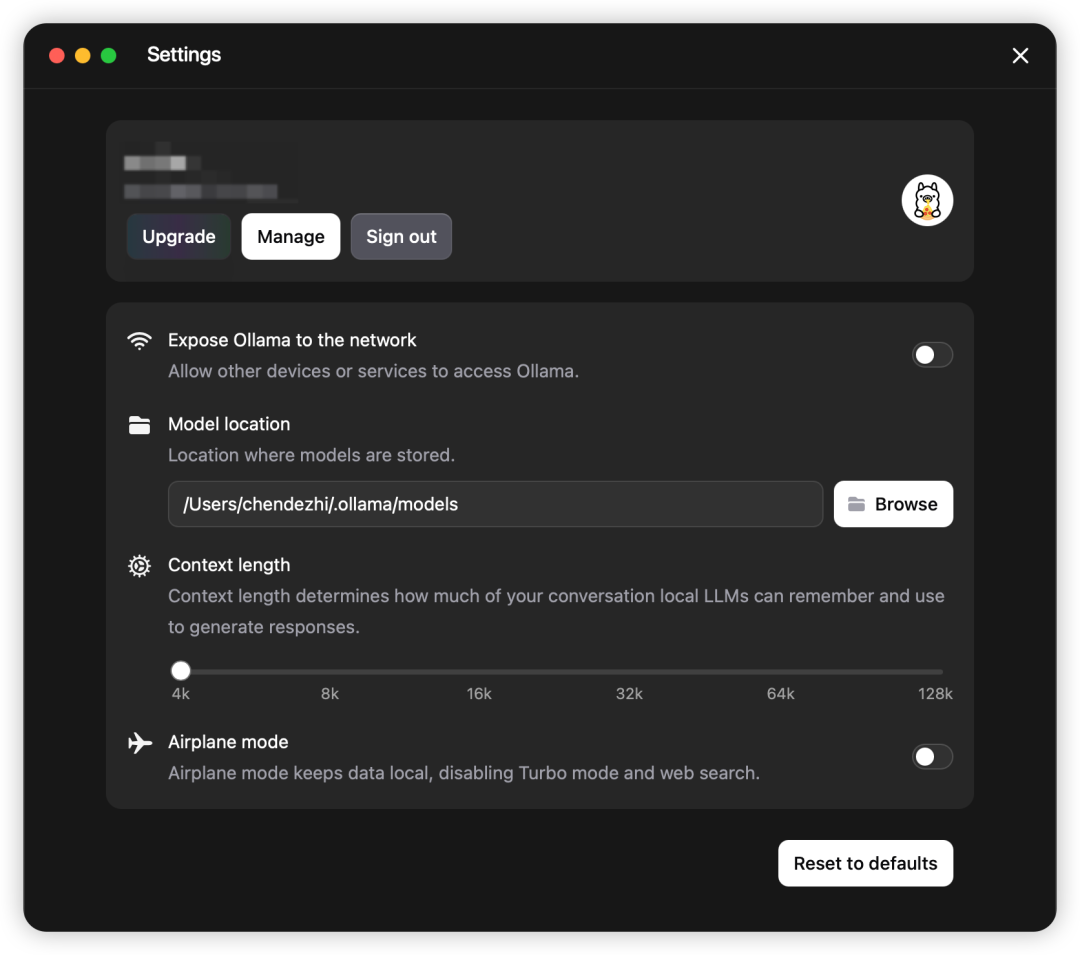
The settings screen offers a few common features.
- Expose Ollama to the network, i.e. provide API access;
- Model location, to change the model directory;
- Context length, for the context length;
- Airplane mode, which keeps data local for better privacy protection.
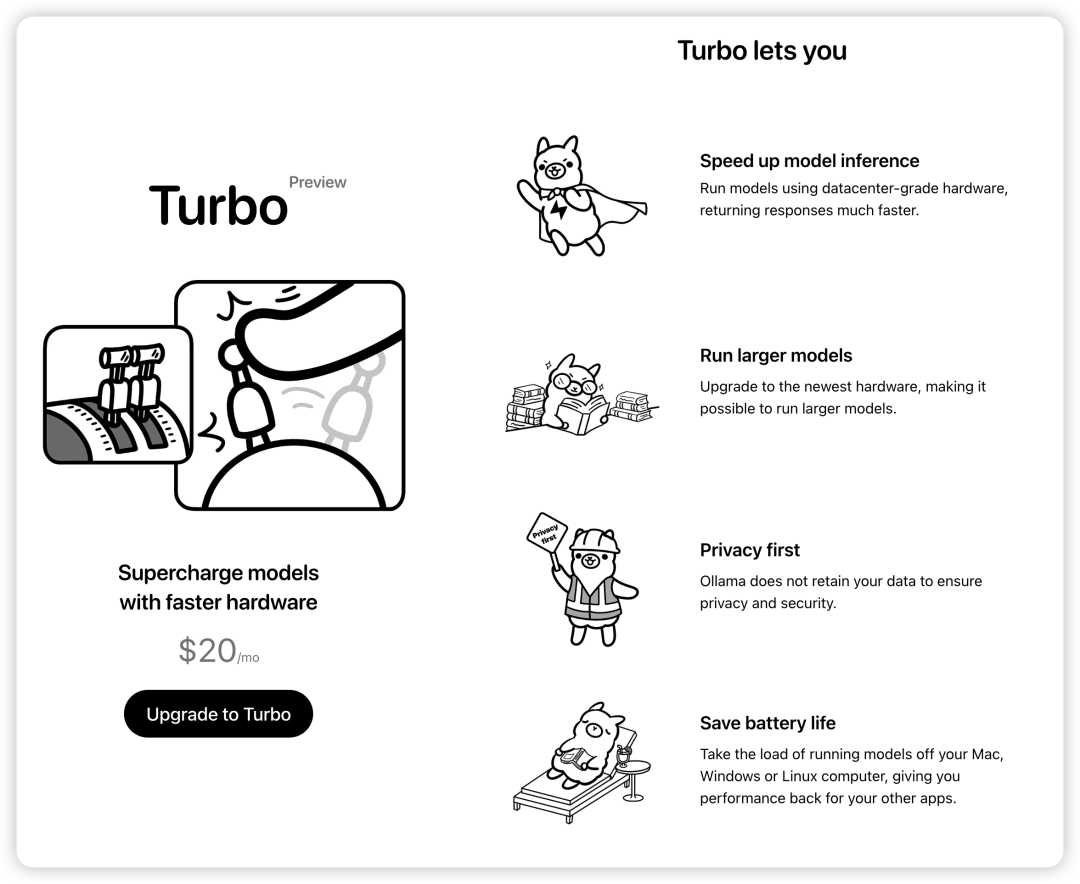
Officially, they've also launched a Turbo plan: after logging in, you can buy a membership. It mainly provides ready-to-use online large models, at $20 per month.
Ollama "Turbo" use cases:
- Local GPU VRAM is insufficient to load 120B-class models;
- You need fast prototype validation, batch inference, or high-concurrency calls;
- You want to keep the local environment clean while getting near-data-center performance.
Now that the AI wave has entered its second half, everyone is busy commercializing and monetizing — Ollama is no exception.
But this Ollama update isn't much of a surprise overall. Maybe it's related to Ollama's positioning: simple and easy to use, a lower barrier, friendlier to beginners.
But Ollama's platform seems to be starting to be abandoned by professional developers.
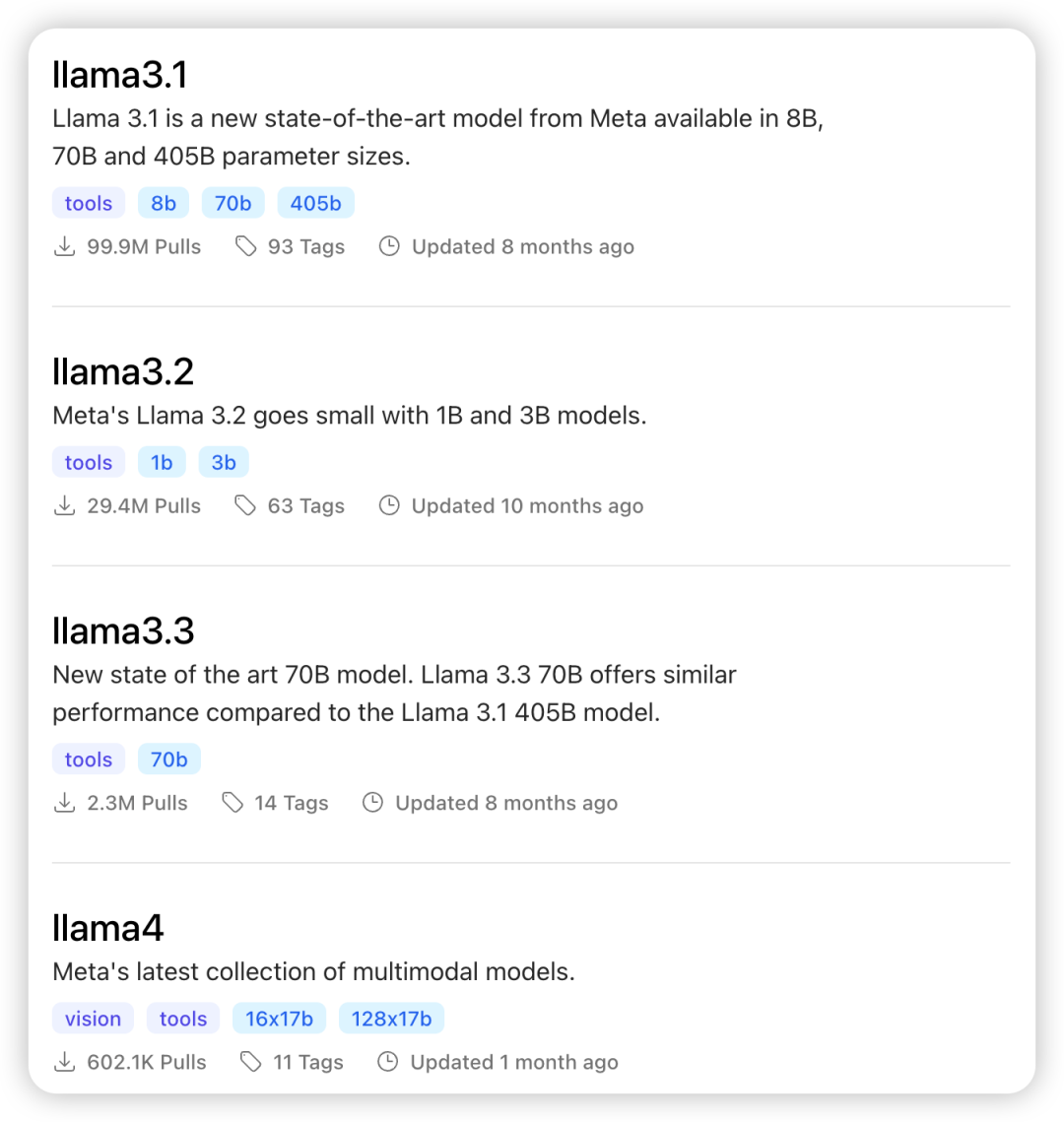
First, Meta's own open-source models are rather behind. Judging by download counts, every llama upgrade cuts downloads by a factor of 10. The high-score, low-ability performance of llama4 drew a chorus of jeers from the public.
So it's not hard to understand why this time they featured an open-source GPT model that isn't their own.
When some models were updated previously, they didn't choose to publish or debut on Ollama, and as a developer I didn't feel it strongly.
But this time the Qwen3-coder model got cheers across other platforms, with videos all over the major video sites every day — only Ollama got none of it, which made me start considering switching platforms.
Also, as development deepened, developing with Ollama became more and more limited. For example, you can't turn off thinking mode; with limited local machine resources, it's hard to use one model for multiple tasks.
Is there a good platform out there? If any of you know one, please point me in the right direction in the comments.
Thanks!
I'm currently trying out LM Studio, and the overall feeling is pretty good.