Cursor Lets Programmers Enjoy Being the Client for Once
If you still haven't tried cursor, the AI coding tool that's been everywhere lately and can carry a small project through to completion, come experience what it's like to be the client — the thrill of rambling about what you want and getting your own website written out of it.
Has everyone tried cursor, which has been all over the feeds lately?
Some say the biggest difference between cursor and copilot is this: copilot is made for programmers, cursor is made for product managers.
What I want to say, though, is that programmers who use cursor can be the client too.
Installation and usage
Installing cursor is simple — just download it from the official website and install.
Because cursor is actually built by forking VS Code and modifying it, it supports all of VS Code's features. During installation it asks whether you want to copy your VS Code configuration; choose "Yes." This migrates your VS Code settings, extensions, and so on.
If you haven't used VS Code before, you can download the "Chinese ..." language pack from the extension marketplace, install it, and restart — the interface will be in Chinese. Unfortunately, quite a few places still haven't been translated. None of that stops you from giving cursor your requirements in Chinese, though.
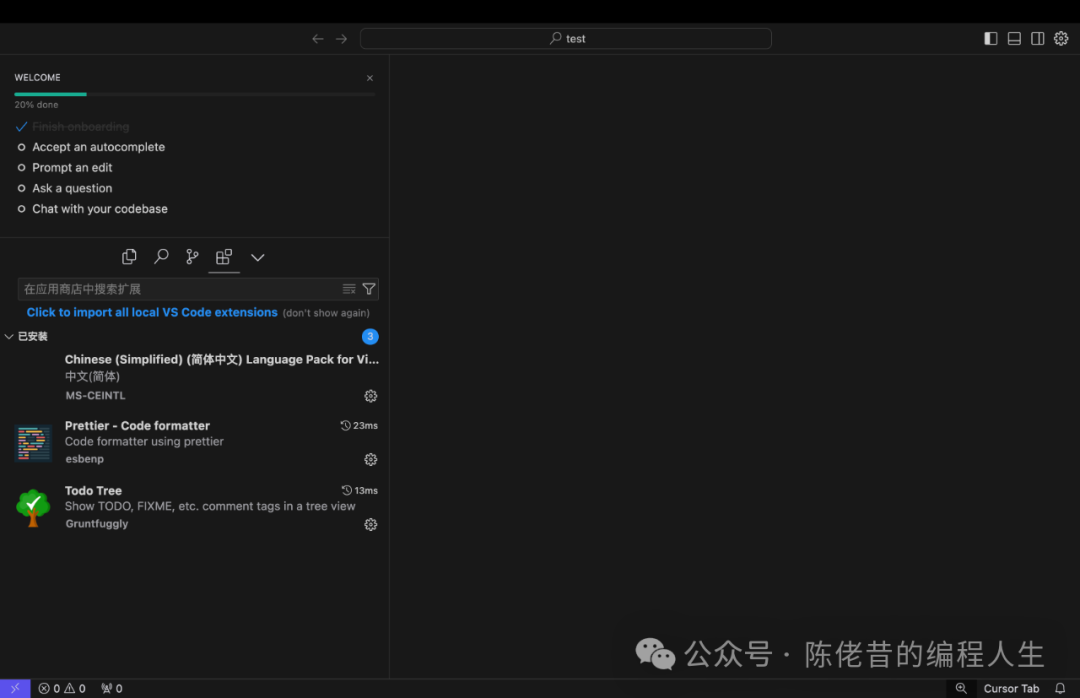
The extension layout is slightly different from VSCode — extensions only show in a dropdown menu, which is a bit inconvenient.

After installation there's a Welcome task; work through it once and you can immediately use its AI features.
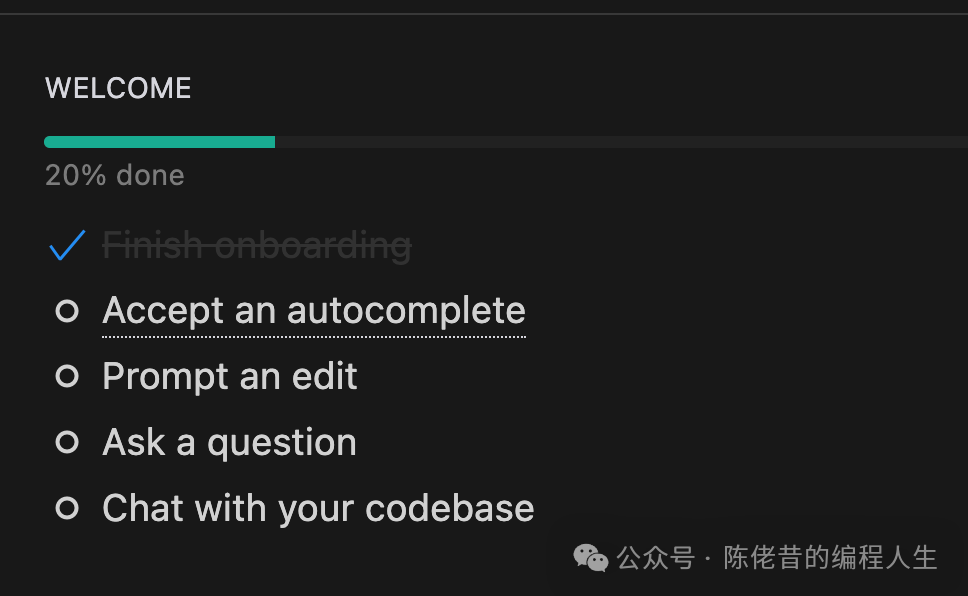
- tab accepts what AI autocompletes
- select content, ctrl + K and AI edits it
- select content, ctrl + L to have a conversation with AI
- the conversation can cover the whole code repository
Get your requirements done just by talking
All of the above are features other extensions have too, but cursor's most distinctive feature is its composer — the tool that lets us become the client.
Press ctrl + I to bring up composer. If it doesn't respond, you need to enable composer in cursor's settings.
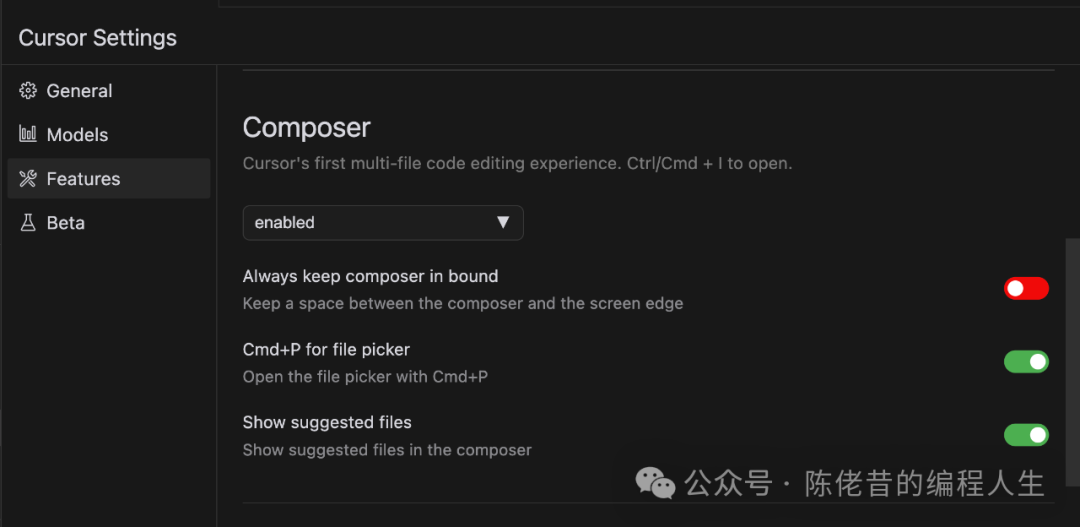
For model selection, just use the recommended claude 3.5-sonnet; as far as I can tell there's no problem using it from China either.
Everything is ready. Now you can put on a suit, knot a tie, and thoroughly enjoy your identity as the client.
Suppose you want to build a company website for "Langma Tech" and, as the client, you don't have a single idea. At that point you tell it, "Don't write code yet. Give me some ideas first."
So it huffs and puffs and organizes some ideas for you. The ideas really are quite complete and highly usable. But as the client, you can't just praise it at the drop of a hat — throw in a "Not bad. How about you get started, and we'll talk if there are problems."
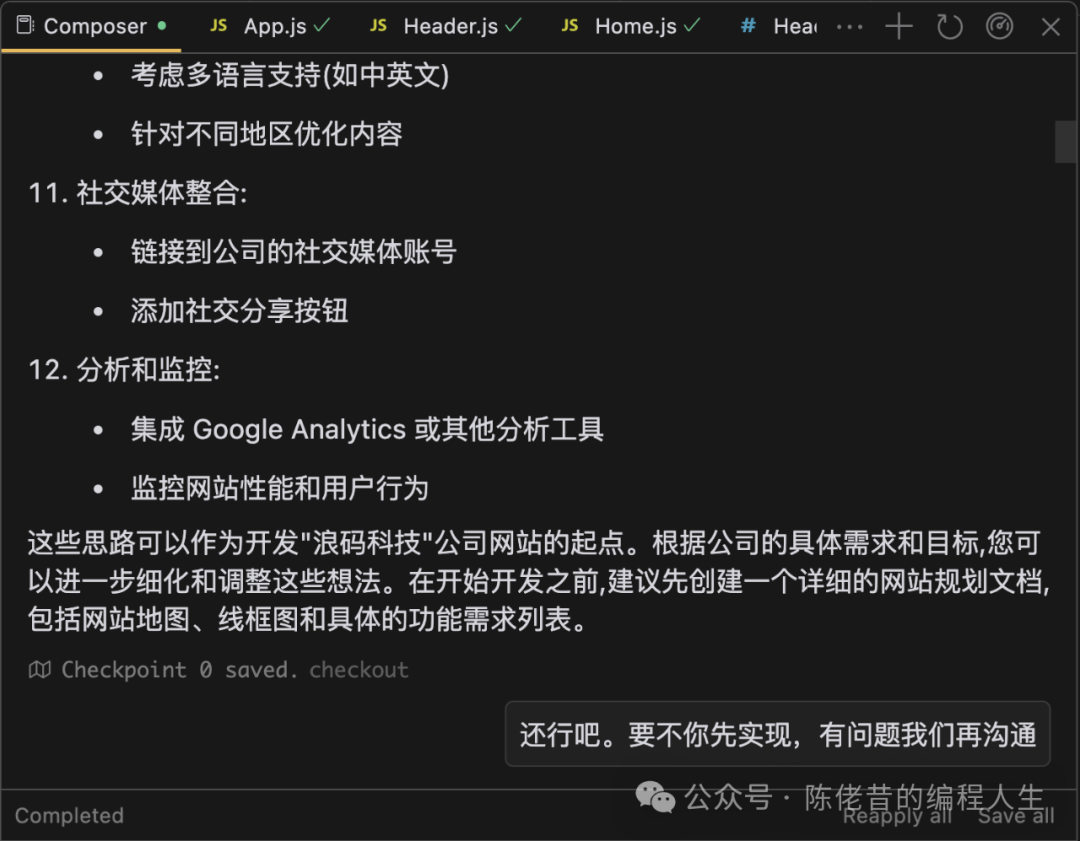
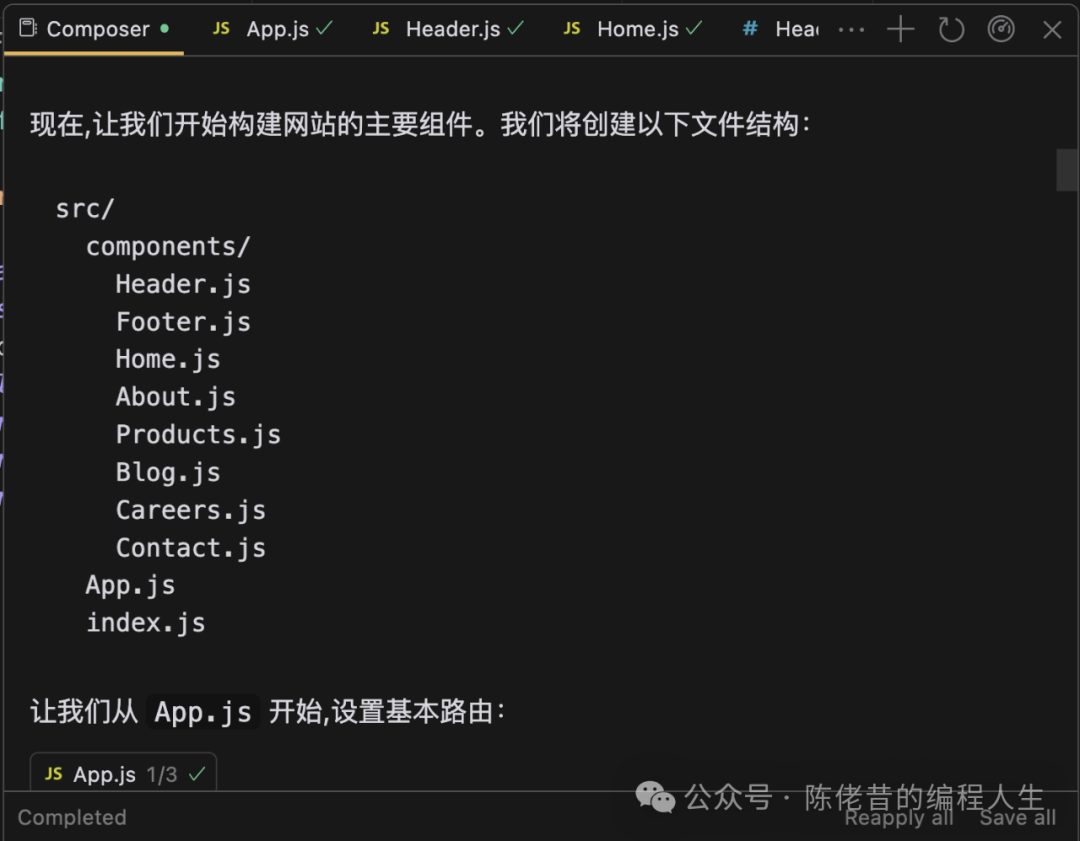
It doesn't complain at all, does another round of work, and writes the code out for you. Compared with other coding assistants, it can generate files and folders, and before doing that it generates a project architecture for you and then implements your features according to that architecture.
Once the code is written, as the client who understands nothing, you just tell it to run, and it guides you step by step through installing dependency packages, checking files, and running command-line operations. Thoroughly attentive.
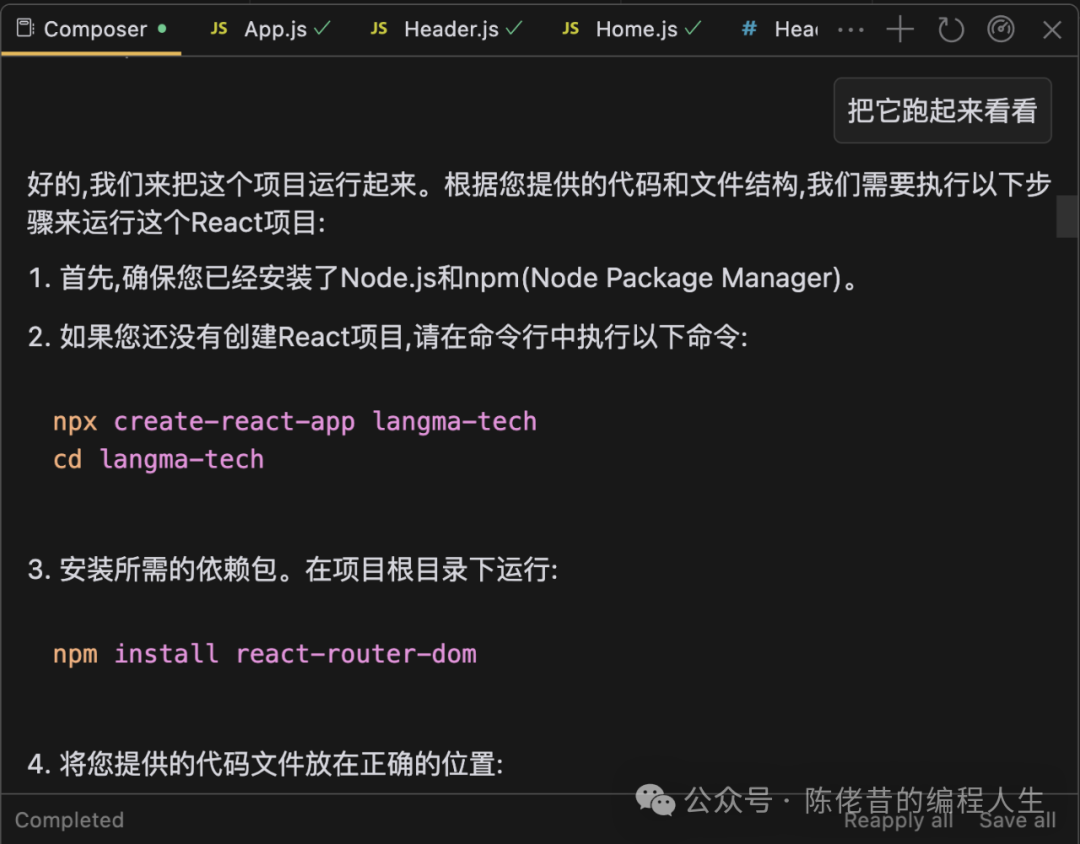
You can even be too lazy to install anything — just have it write the dependencies into package.json and do it yourself afterwards. (All that's missing is it running the command line itself ~)
Just as in real life, a project certainly can't come out right in one go. So multi-turn conversation matters a lot, and cursor's multi-turn experience really is excellent.
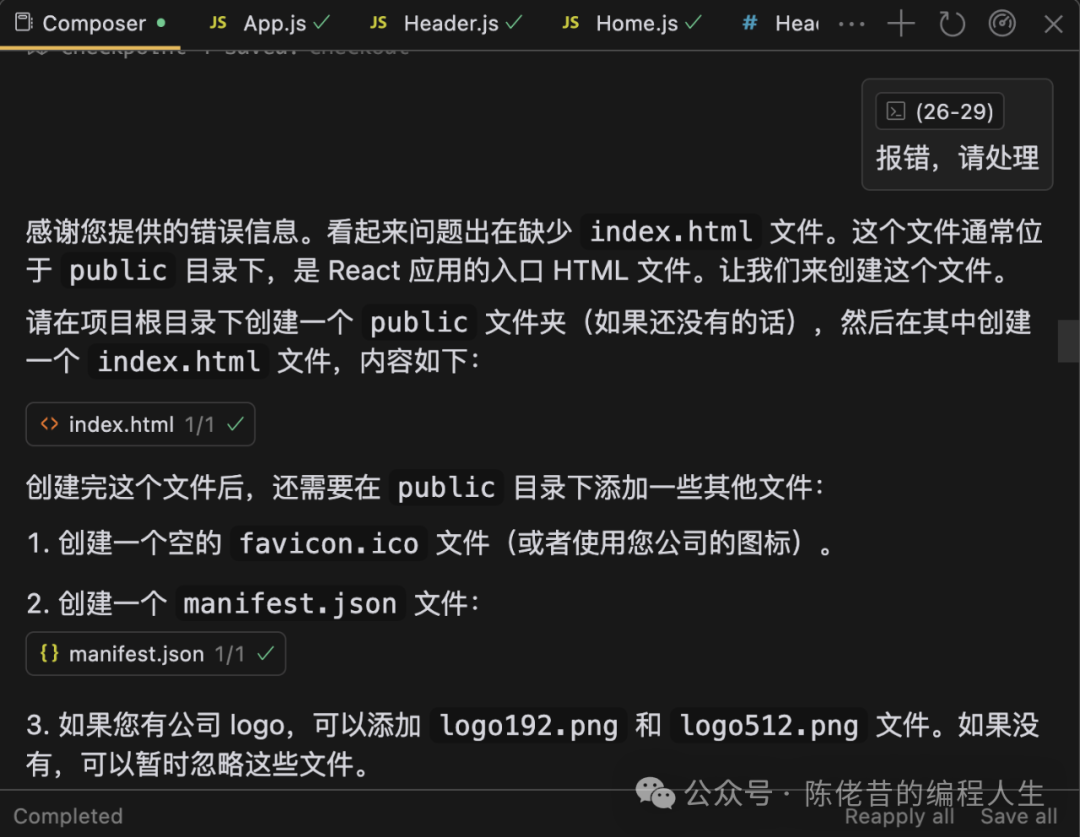
After cursor finishes writing code, there's a very good chance the project won't run the first time. The programmer's habit of reading the code is about to kick in. But hold on — you're the client now, so just tell it "Please fix it."
It will apologize or thank you, then start investigating the problem, and after investigating, modify the code. The whole process doesn't require you to lift a finger once.
After the changes, it lays out the differences before and after, the way a git commit does, letting you review — letting you enjoy the feeling of being the client who plays architect for a while.
If you're sure, click Accept / Accept all. If what it generated is wrong, you can reject.
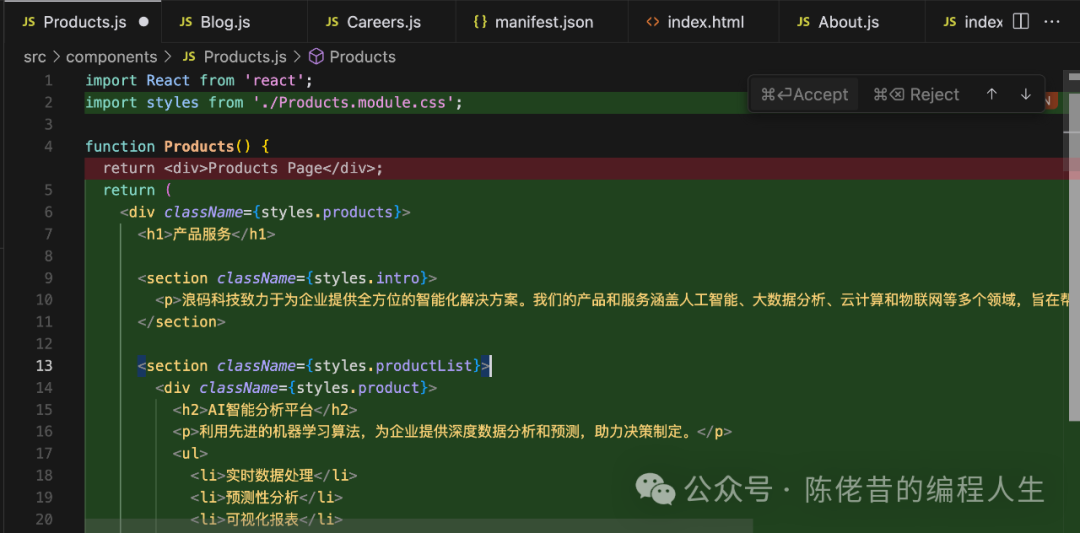
Of course, we're the client, so the architect doesn't necessarily have to be called in: blindly accepting everything and telling it afterwards when something breaks is also a great choice. You don't even need to copy the errors shown in the console — it can still track down the problem.
Finally, you realize the company logo hasn't been made yet, and there's no designer to be found on short notice. So what do you do? As the client, of course, when there are difficulties you raise them — and when there are none, you manufacture them. So let this code monkey draw it for you.
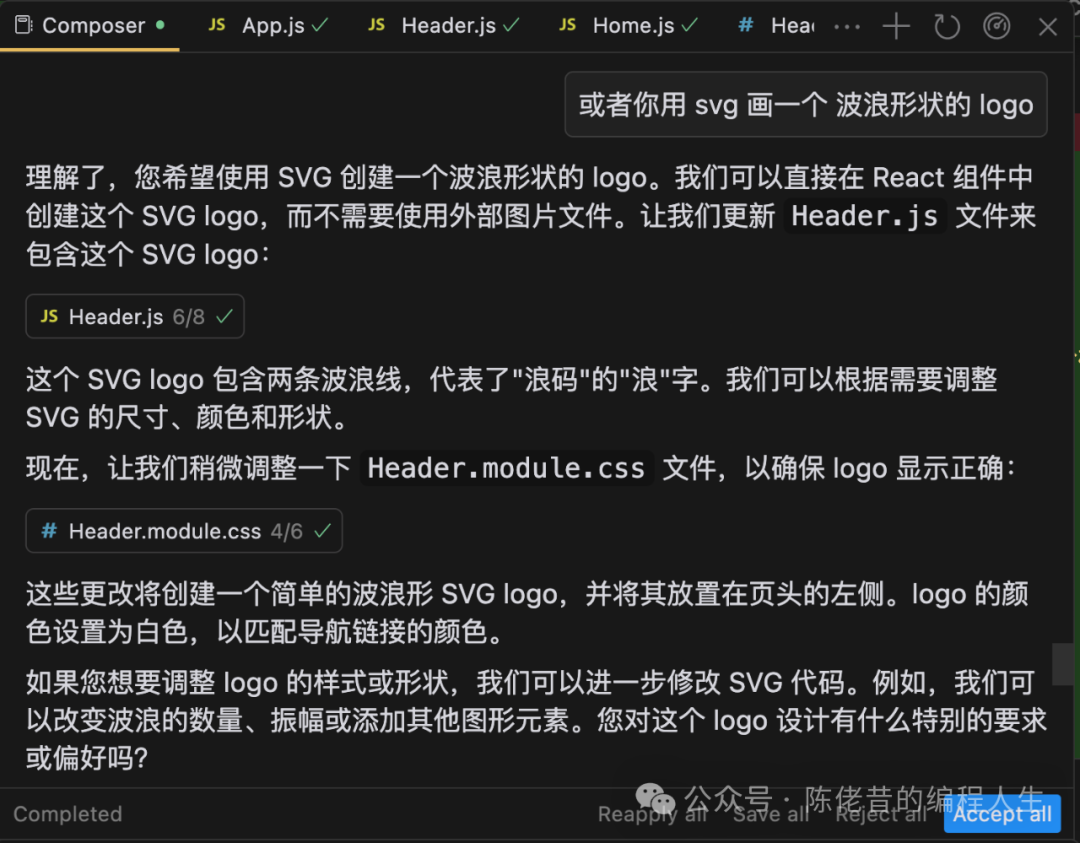
You can't write the copy either — same as before, have this code monkey write you a 1,000-word company introduction.
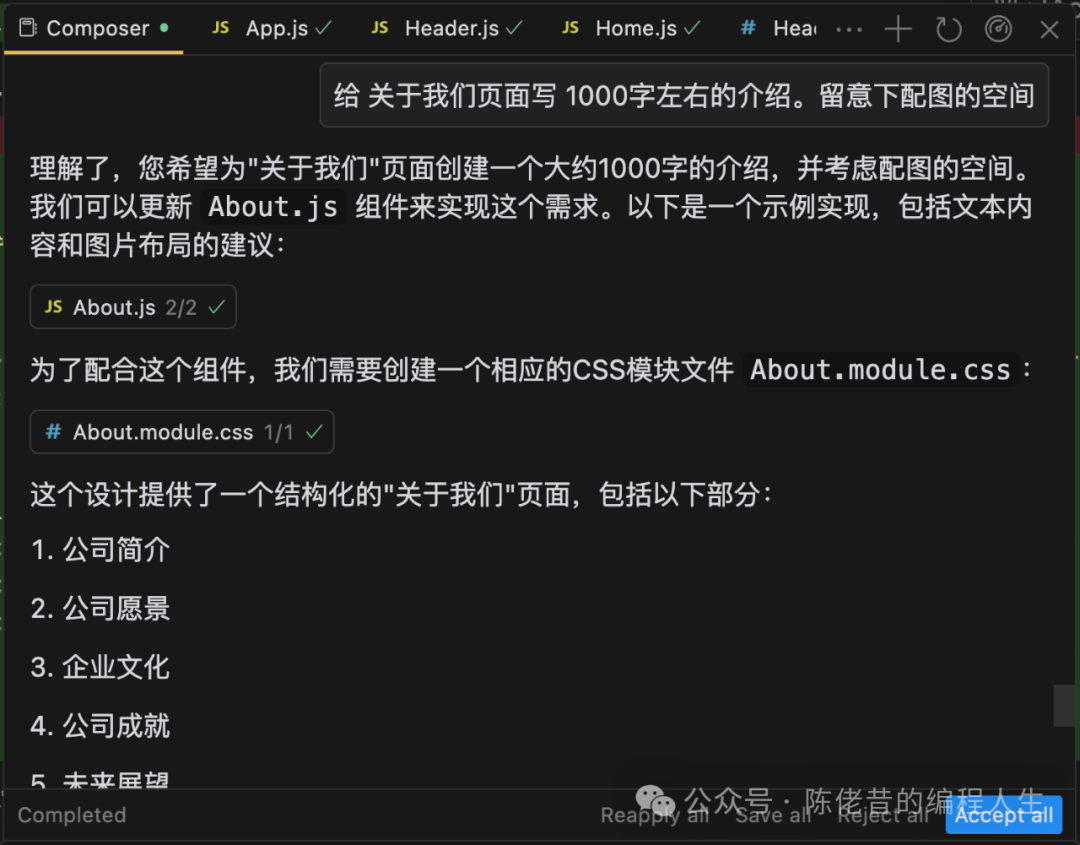
Then have cursor adjust the styling and swap in the background image you made with another AI.
Done!
Look at the final page — it really isn't bad.


From then on, the world has one more amiable client and one fewer tormented code monkey.
Feature testing
Being the client feels great. But after several days of heavy use, there are still some rough edges.
Below are some not-very-formal, not-very-objective tests and scores of my own.
Building a simple static site 🌟🌟🌟🌟🌟
Because modern frameworks like react and vue all carry componentized, modular thinking, code has to be split up; but once it's split, AI has to read across files. So when you don't use a framework to create pages, the code you get is generally very good.
Building a project demo 🌟🌟🌟🌟
Likewise, when modern frameworks like react and vue are used, the overall development experience of the project at the start is still quite good.
But the more content composer in cursor references and the higher the complexity, the much lower the success rate of the results.
Building a complex project 🌟🌟🌟
After the demo is done, building a complex project on top of that demo surfaces a lot more problems.
For example, I needed to move the tab bar from the top of the page to the bottom, which required style adjustments. For an ordinary programmer this is a very simple effect, yet it took three rounds of conversation with the AI to get it right.
Then there was some logic that simply wouldn't debug properly no matter what. Repeated questions didn't get a very correct answer either.
Also, when using third-party plugins the code isn't necessarily accurate. Even when I provided the URL, it still might take several rounds of Q&A before getting a reasonably correct answer. And it might break something that was working, making changes in places that shouldn't be touched. In other words, the answers AI provides are still unstable.
Reworking an old project 🌟🌟
I tried replacing the content written in native js in an old project with a plugin, and it went wrong. After the error, multiple conversations still didn't solve it. In the end I had to give up. So this one scores low.
Reworking the build tool 🌟🌟🌟🌟
I tried updating a project built with gulp to build with vite, and three sentences did it — very smooth. So four stars.
That project was fairly simple, though; maybe I'll try a more complex one later.
Summary
After all this, let me talk about what I understand of the principle behind cursor composer.
composer should be an agent (AI Agent); development is actually carried out by one main AI and multiple sub-AIs:
- the main AI handles understanding requirements and assigning tasks — the equivalent of the product manager and architect;
- the sub-AIs write the code — they're the individual developers.
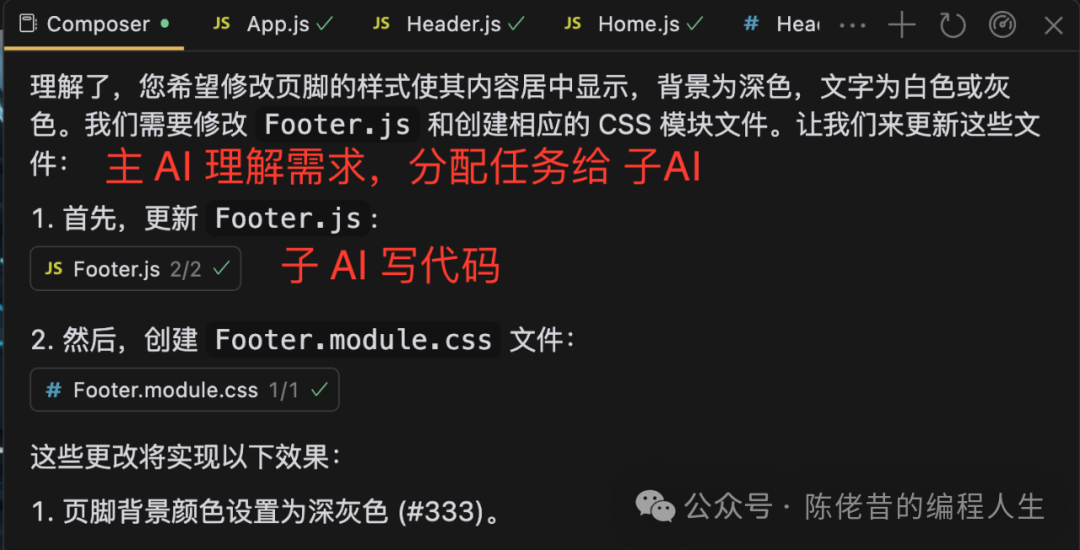
Because cursor has to control multiple AIs, the overall cost is far higher than copilot's.
As I said before, coding assistants still need some time to mature.
cursor's interaction has everyone very excited, and what it produces now is decent. But for genuinely complex projects it's still a bit of a gimmick. The moment multiple components are involved, there are problems. And the later a project gets, the harder it probably is to get the code you want.
In short, there's still plenty of room for improvement, and I look forward to cursor's next big update.