A Guide to Domestic Alternatives to Claude Code: Easily Connecting GLM and MiniMax
Claude Code has been out for a long time, and access from China has always been limited. Today I'll show you a low-cost way to use it here, letting Claude Code call top domestic models like GLM and MiniMax directly.
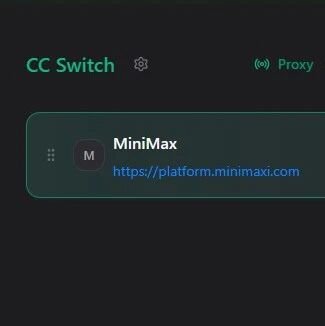
Claude Code has been out for quite a while, but its popularity in China has stayed fairly modest. Mainly because, as a professional tool, it has some learning curve, and its parent company Anthropic restricts access from China, which has held back adoption.
If you want to break through the restrictions entirely, then on top of the fixed monthly subscription you also pay for a network accelerator service; over the long run that's a considerable financial burden, and network stability still isn't guaranteed.
By comparison, a more practical and economical approach is:
Claude Code + a large language model that's accessible in China and performs well
Yet many of the integration tutorials floating around online have tedious steps, which puts a lot of people off even trying.
Today let's look at an extremely simple method. The core tool is CC Switch.
CC Switch is a lightweight forwarding tool that automatically handles model API conversion and request forwarding through simple configuration. The process is intuitive, and it dramatically lowers the barrier to connecting domestic models to Claude Code.
0. Environment requirements
Node.js 18 +
Enter the following command on the command line; anything above version 18 is fine:
node -v
If it's already installed and the version is right, you can move on to the next step.
If you need to install or upgrade, go to https://nodejs.org/zh-cn/download to download and install the latest version of Node.js.
1. Install Claude Code
Skip this if it's already installed.
If not, you can install it from the command line:
npm install -g @anthropic-ai/claude-code
2. Subscribe to a model plan
I recommend the GLM or MiniMax large models:
- GLM, 49 yuan/month. Subscribe at: https://docs.bigmodel.cn/cn/coding-plan/overview
- MiniMax, 20 yuan/month. Subscribe at: https://platform.minimaxi.com/subscribe/coding-plan
You can refer to my earlier review posts and decide for yourself which to pick. You could also subscribe to both for a month to try them, then cancel later.
3. Configuring CC Switch
Download CC Switch from GitHub:
https://github.com/farion1231/cc-switch/releases
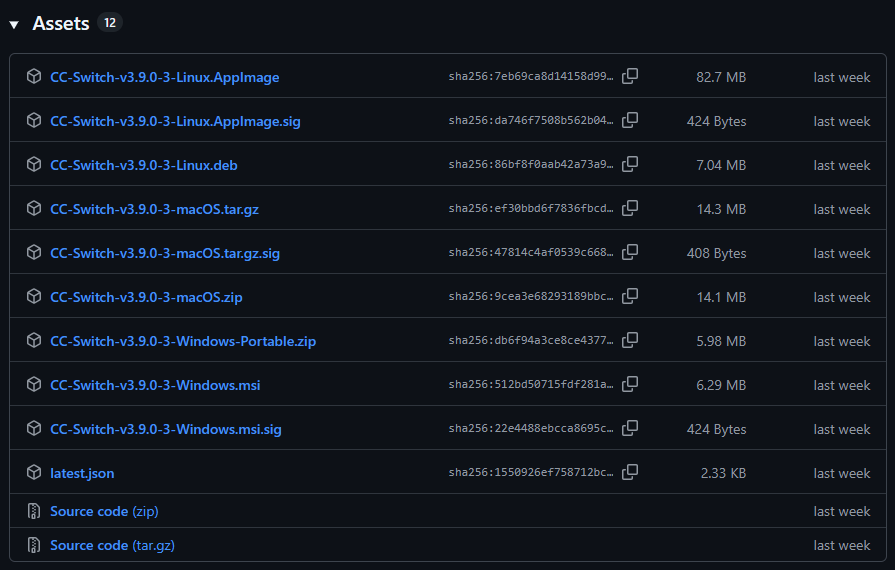
On the latest release on the page, click to expand Assets and download the package for your operating system. For Windows, for example, just download CC-Switch-v3.9.0-3-Windows.msi.
After downloading, install and open it, and you'll see this screen:
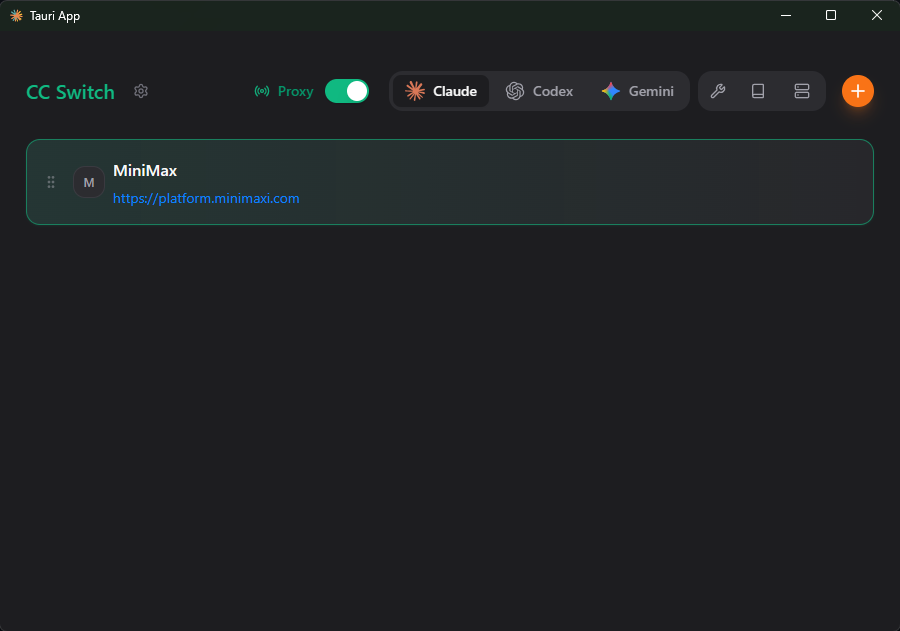
If it warns about a conflicting configuration entry, just click delete.
Select Claude Code and click the + button to add a model provider.
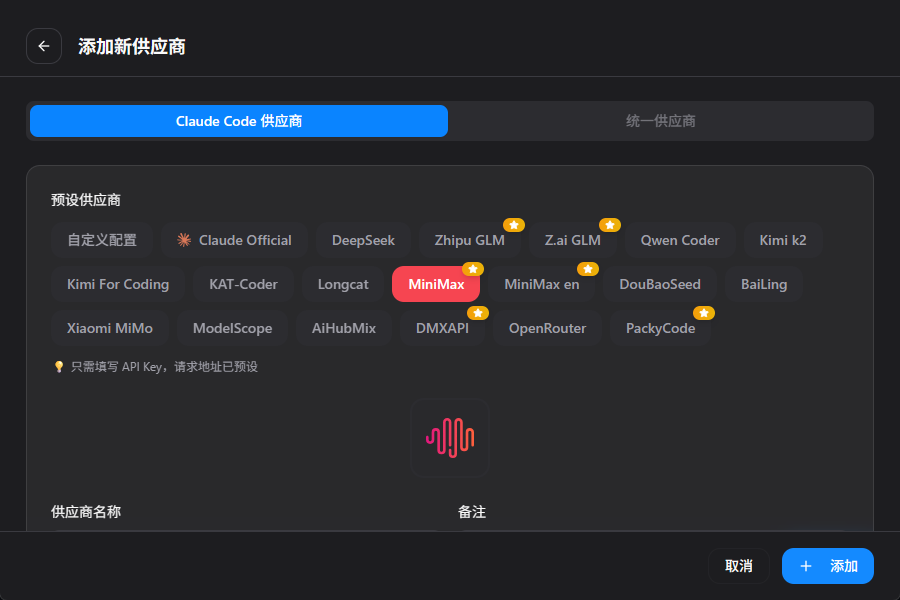
By default it includes China's four big open models: Deepseek, GLM, Kimi, and MiniMax.
Pick the model you want, then copy the API key over from the official site and leave everything else at the defaults.
4. Getting the API key
The following uses the MiniMax China site as an example.
Go to the official site, log in, open account management, and click Coding Plan under "Subscription Management" in the left-hand menu.
The page that comes up shows the API Key.
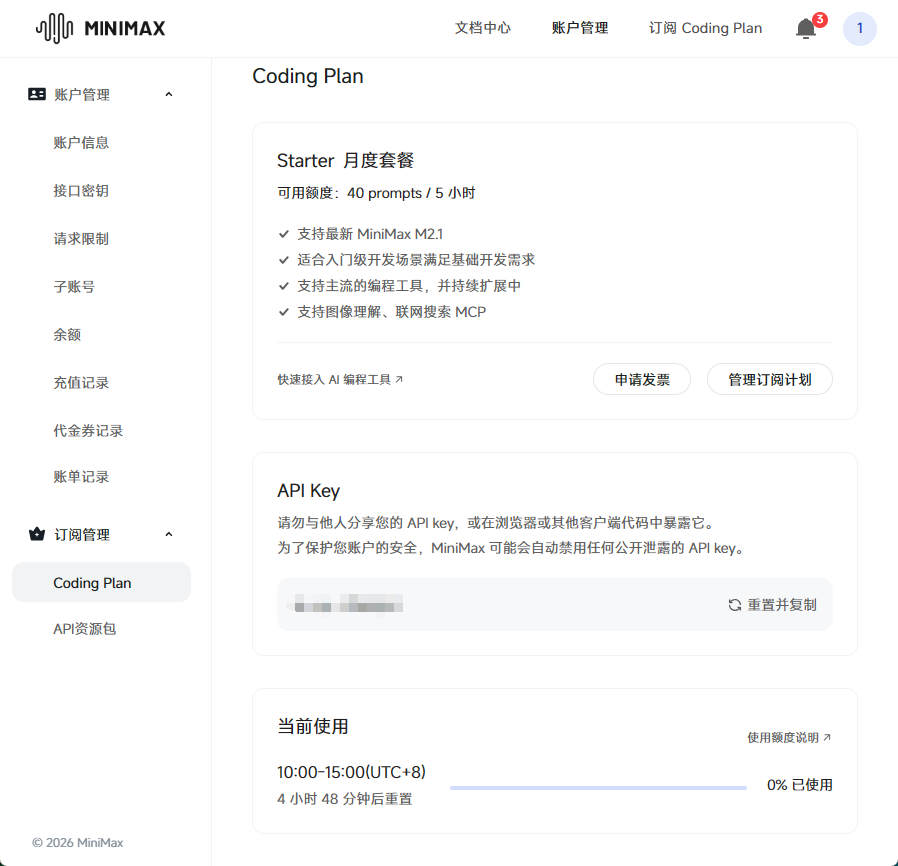
Just click reset and copy.
Then go back to CC Switch and paste it into the API Key field.
And you're done.
5. Verify
In your project folder, open a terminal and start claude:
claude
If prompted, choose yes.
The screenshot below shows a successful start, displaying "Welcome back". The first connection may look a little different.
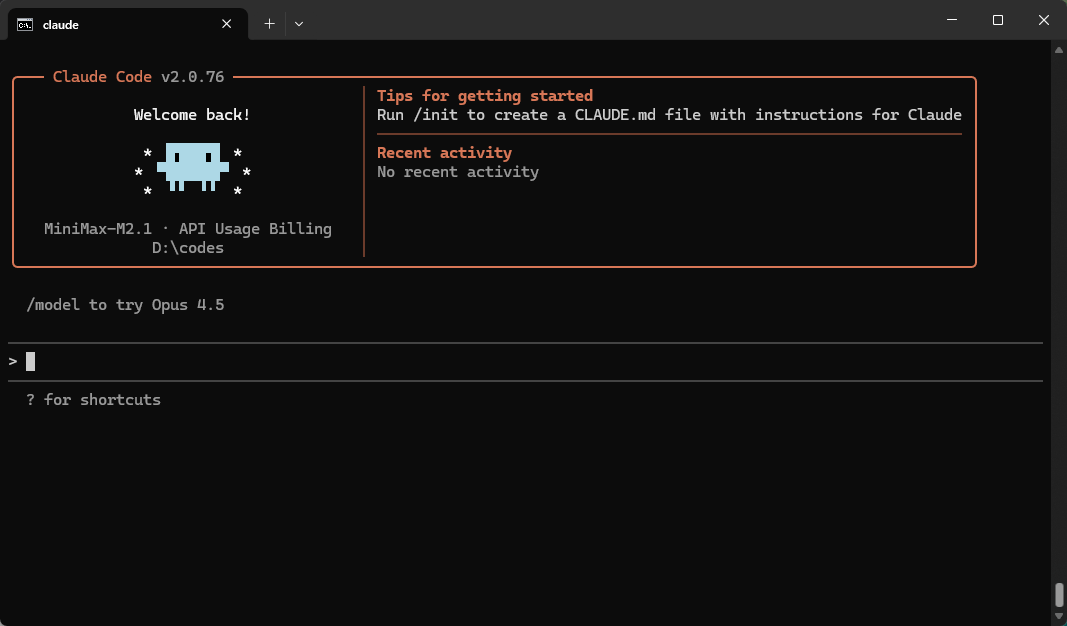
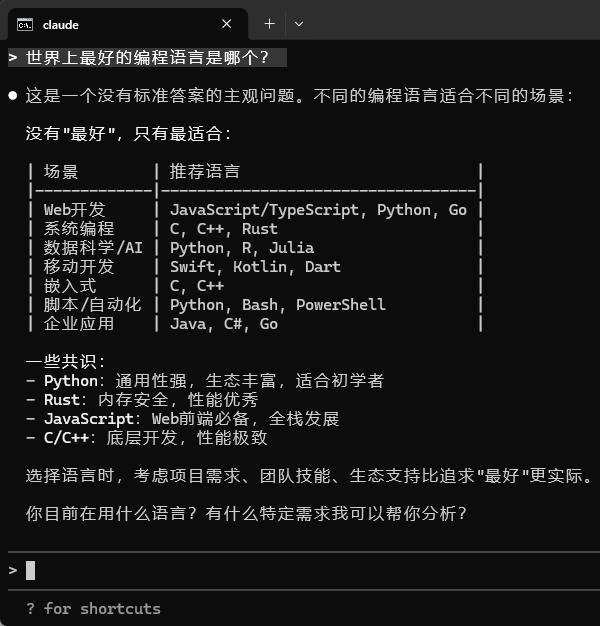
From there you can talk to it in natural language.
6. Plugins
If you're a programmer, then compared with Cursor you'll notice that Claude Code doesn't display any code while it's working, and there's no way to preview any code either.
Not being able to see the code can leave you a little uneasy, even anxious. Is there a way to fix that?
Easy: install the official Claude Code plugin from your IDE's plugin marketplace.
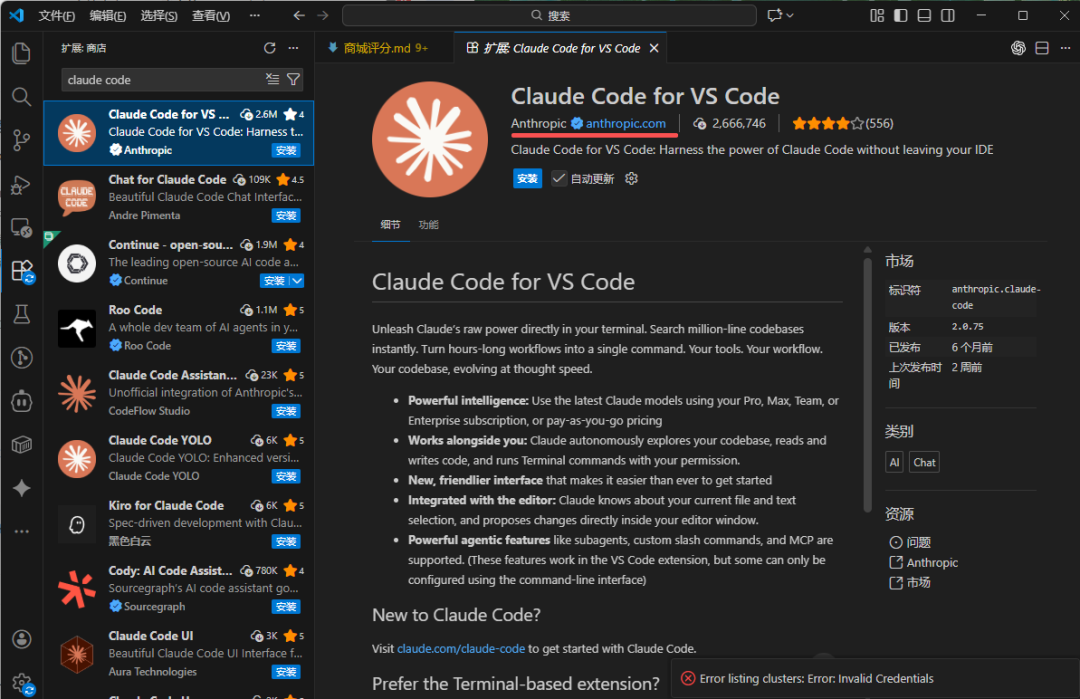
Make sure you get the official one from Anthropic.
Alright, everything is ready!
Now go enjoy some happy Vibe Coding!