Draw Things on Mac: Setup, Tuning, and Speed-Up LoRAs
For AI image generation on a Mac, Draw Things is pretty much the choice you can't avoid. It's built natively for Apple Silicon, so it was already a notch faster than ComfyUI. Today's post explains the speed side of things in one pass—from the basic settings to choosing a speed-up LoRA, all in a single article.
0. Preparation
Bathe and change clothes, burn incense and wash your hands, harbor no greed, anger, or delusion, and give rise to no discriminating mind.
This is important, important, very important!
1. Installing and using the software
Draw Things is said to be the best image-generation app on Mac OS, built specifically for Apple Silicon. It was already a notch faster than ComfyUI—in my tests, 20%–32% faster in SDXL scenarios, with an even bigger gap on SD 1.5.
After installing, you just download the models you need. As of November 2026, the image model to recommend is naturally Qwen Image 2.1, and for video it's MiniMax H3. Draw Things has matching download links for both, and the download speeds are stable.
If your machine's performance is limited, or you want faster output, go with the 4-bit S quantized version first—the quality loss is within an acceptable range.
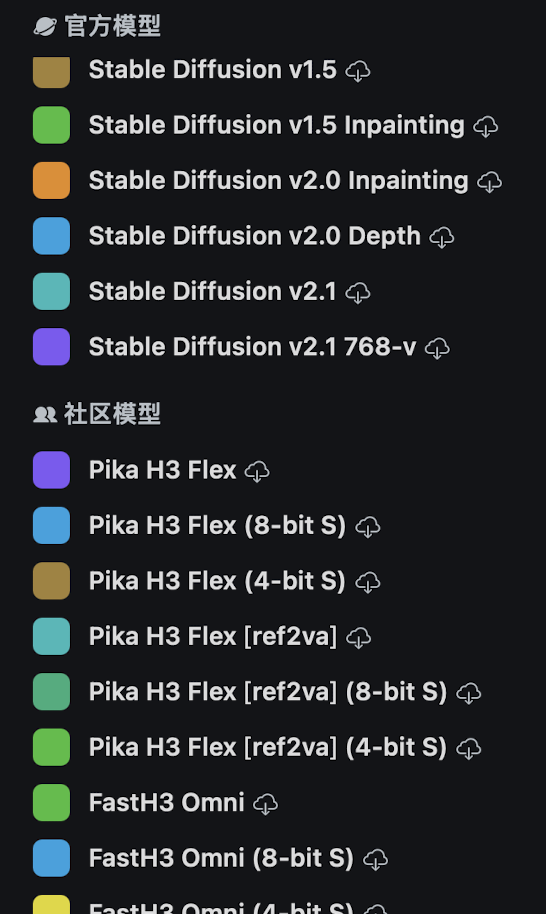
Draw Things' rich library of official and community models; you can also supply a Hugging Face URL to download
2. Performance tuning
The first step to speeding up Draw Things isn't messing with parameters, but checking whether a few key switches are on.
Leave Metal Flash Attention on "Automatic"—it lets quantized models automatically enable an efficient attention mechanism and lowers VRAM usage. For 8-bit quantized models you must turn on ANE (Apple's Neural Engine); on an M4 it can bring up to a 1.8x speedup, and it barely touches the GPU. If you mainly use SD 1.5, you can also try setting CoreML for SD 1.5 to Yes, which may double or triple the speed again, at the cost of worse compatibility with newer community models.
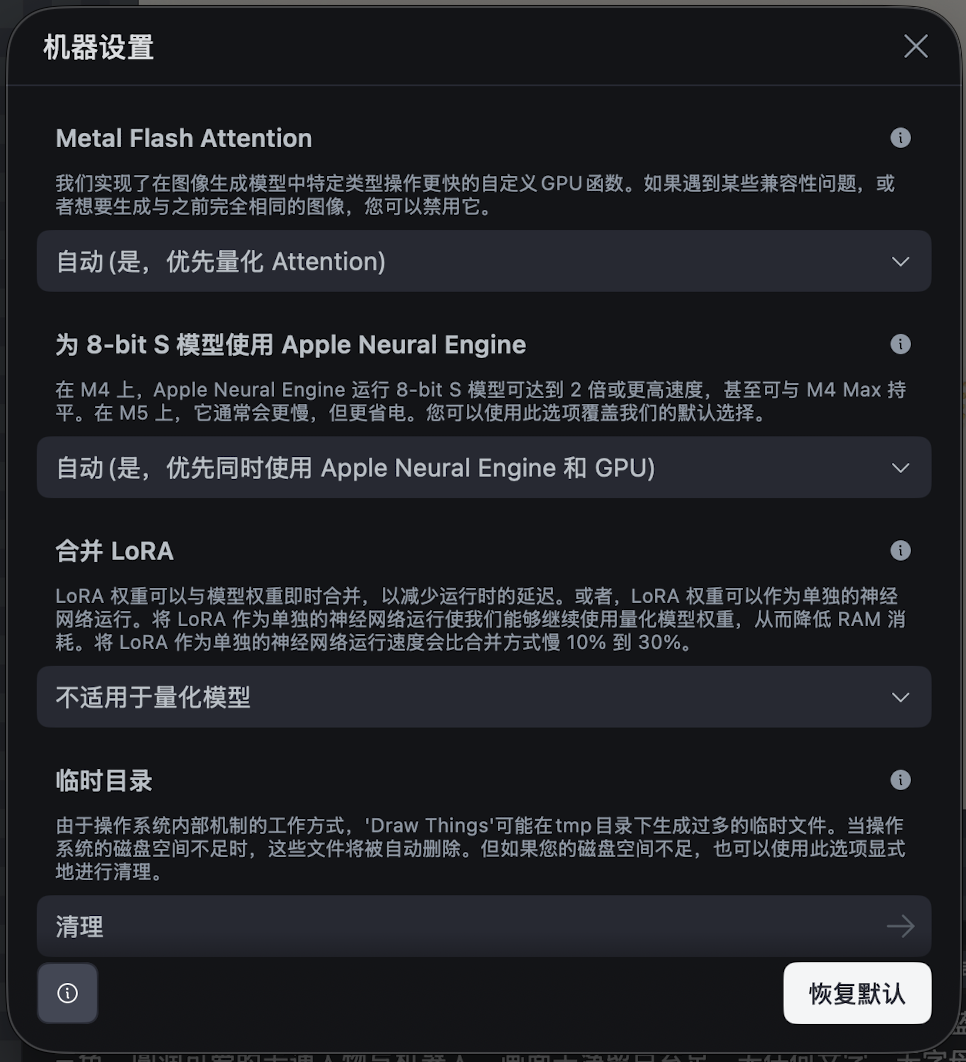
The Draw Things settings screen
At the model level, choosing the 8-bit quantized version is the most direct speed-up. For large models like FLUX.1 and Hunyuan, run "Optimize for Faster Loading" once in the model manager; it costs 20–60 minutes of one-time preprocessing, and every load afterward is noticeably faster.
On generation parameters, remember three things to "lower": lower the resolution (use 512 or 768 while testing prompts), lower the step count (8–12 steps is enough at the draft stage), and fix Batch Size at 1. On samplers, UniPC and Euler A are usually faster than the DPM++ family and are good for quick output.
Don't neglect the system environment either: close memory-hungry background apps before generating, and make sure you have at least 10–20GB of disk space to spare—when space runs short, the system falls back to much slower swap memory, and the slowdown is worse than you'd imagine.
- Speeding things up with a speed-up LoRA
Many people are confused the first time they see "speed-up LoRA": isn't LoRA for adjusting style? How can it also speed things up?
The key is distillation. A regular model may need 20–30 steps of progressive denoising to produce a good image, while a speed-up LoRA uses a technique called "distribution matching distillation" to compress the ability of a "slow but good" teacher model into a student model that "gets the job done in a few steps." The student's goal isn't to imitate the teacher at every step, but for the distribution of its final images to approach the teacher's results as a whole.
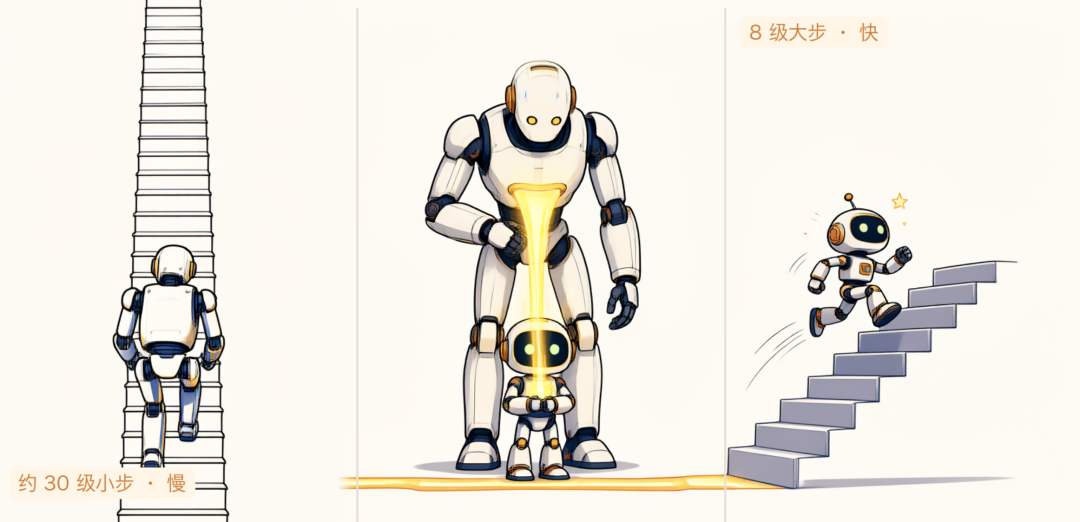
Speed-up LoRA models — distribution matching distillation
There's an ingenious design here called DP-DMD. Pure DMD distillation tends to cause "mode seeking"—the student over-converges on the few compositions the teacher is best at, and the output all looks the same. DP-DMD's solution: the first step only does diversity protection, so the student inherits the teacher's ability to produce different compositions from different random seeds; quality refinement only starts from the second step. Diversity is guaranteed by the first step, quality is handled by the later steps, and the two don't interfere with each other.
What you end up with is a standard LoRA file: set the steps to 2–4 and CFG to 1.0, and you get a tenfold or even several-dozen-fold inference speedup. Because the huge base model's weights stay frozen the whole time, what gets trained and delivered is just a small adapter of a few hundred MB—lightweight and plug-and-play.
How to choose a speed-up LoRA for Qwen-Image 2.1
If you use Qwen-Image 2.1 in Draw Things and want the most extreme speed, try LightX2V Lightning's 4-step version; its ecosystem is relatively mature and there's plenty of community documentation.
DMD2 (linoyts) can generate in 2 steps and the file is tiny, which suits real-time interaction or the draft stage, but its quality is less consistent than the 6-step option. In my own attempts the success rate was on the low side, so I don't recommend it.

DMD2 output with 4 steps vs. 2 steps: 4 steps on the left, 2 steps on the right—on the right the image still isn't drawn when it finishes
Also, Qwen Image 2.1 has an official accelerated option, Qwen Image 2.1 Turbo, where every image needs only 4–8 steps. Quality is more consistent.
How to choose a speed-up LoRA for MiniMax H3
For H3 video generation, LightX2V and larryvrh v4 are the two mainstream routes in the ComfyUI ecosystem. In theory Draw Things can load LoRAs laid out for diffusers/ComfyUI, and in my own experience it does work well.
larryvrh, the author, recommends 6–8 steps himself; he thinks 4 steps clearly loses quality while anything over 8 steps gets over-sharpened—that range is worth taking as a reference.
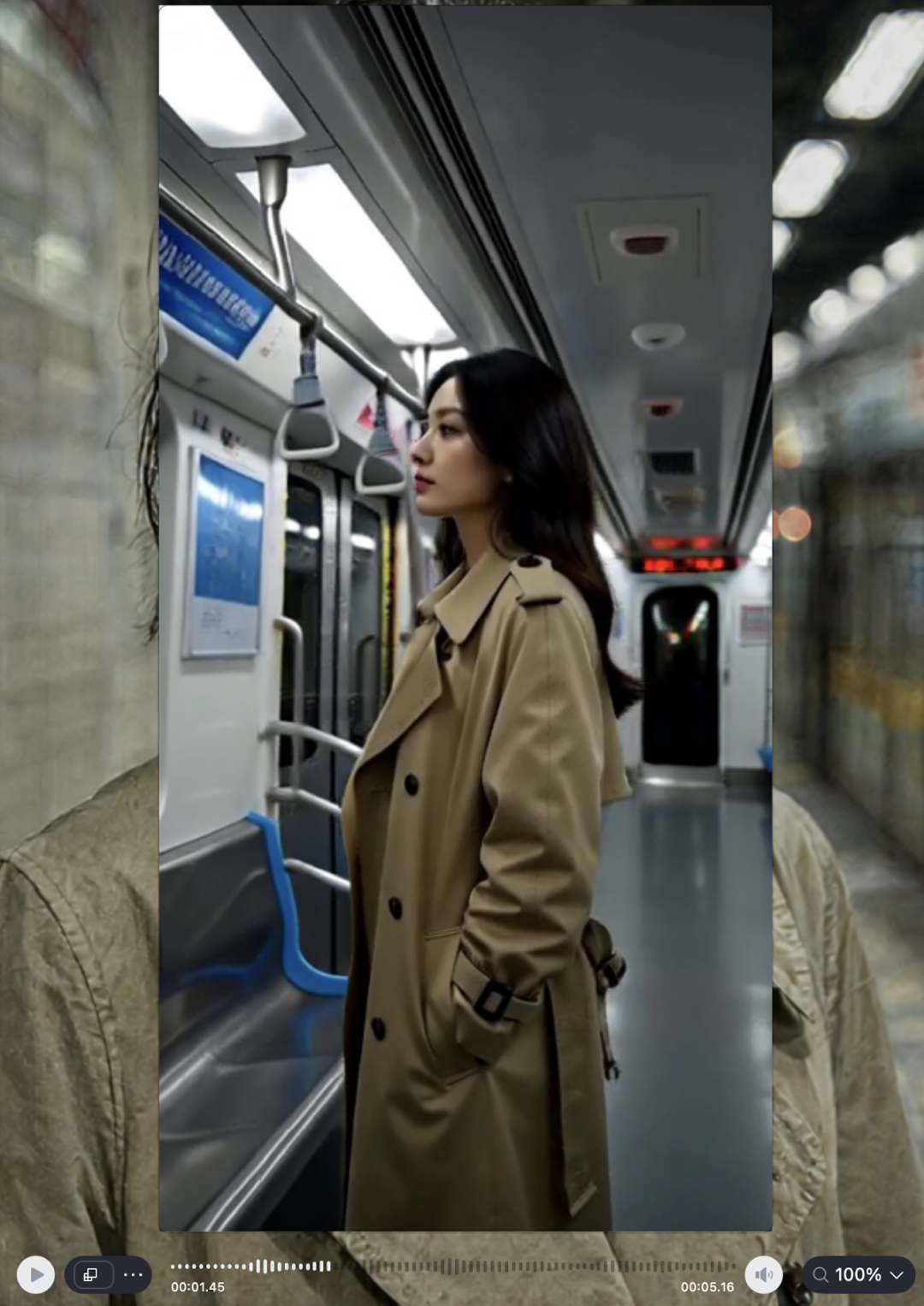
Draw Things: MiniMax H3 + LightX2V LoRA generating a small 480p video in 4 steps
Still, even at 4 steps, my machine needs 10 minutes to generate a small 480p video. With limited time, I didn't try more LoRAs for MiniMax.
One important diagnostic signal: if a LoRA makes no difference to speed after loading, or the image quality degrades badly, it usually isn't that your parameters are wrong—it's that Draw Things' loader failed to recognize all of that LoRA's components. At that point, switching to a single-file LoRA in a simpler format is often more effective than continuing to tune parameters.
Also, don't get boxed in by the "3 steps" or "4 steps" in a name; for complex or fast-moving scenes, 6–8 steps is often the better balance—first use a low step count to get a quick draft, then add steps to refine the compositions you're happy with.
4. Giving up
If you have a graphics card and use Comfy UI, you'll find that Qwen Image 2.1 with a LoRA added finishes the vast majority of 1024x1024 image generations within 10s; MiniMax H3 with a LoRA added finishes the vast majority of 720p video generations within 3 minutes.
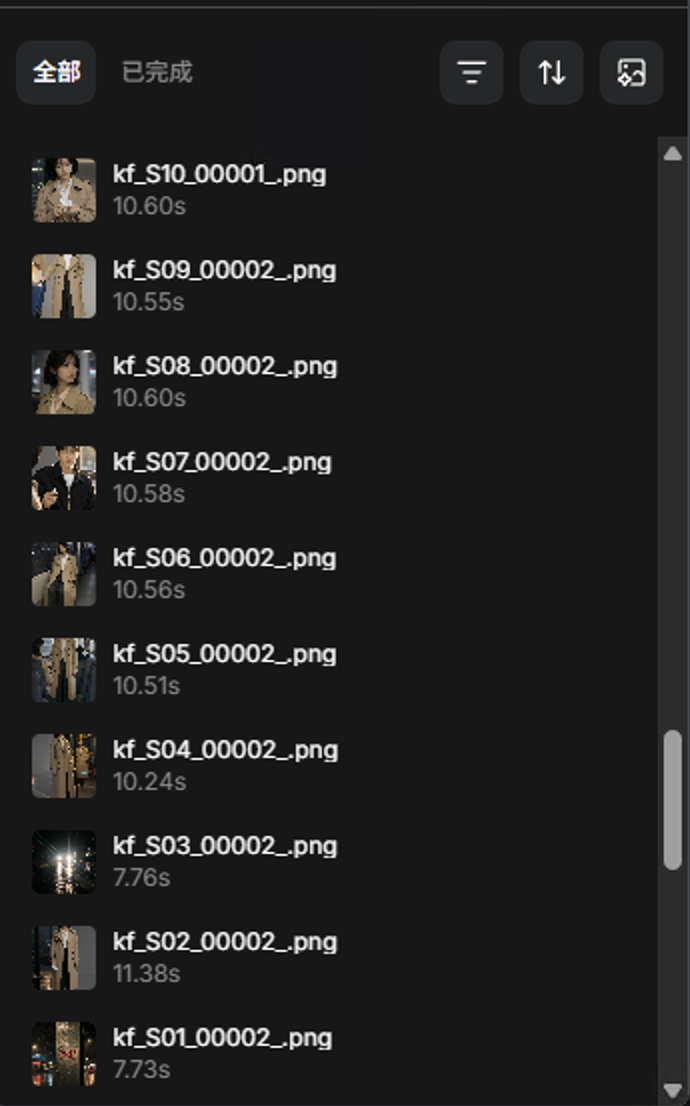
Generation speed on a machine with a graphics card, Comfy UI
And then look over at Draw Things on Mac OS: 10 seconds in, it's still starting up the model.
All your preparation is a complete write-off at this point. Even with no discriminating mind left, no greed, anger, or delusion, you'll still notice you've wasted most of your time.
So if you have the option, when it comes to AI image and video generation, giving up on Mac OS is the ultimately correct choice.
Related posts
After deep-diving into Qwen Image 2.1, I wired it into my workflow