After Deep-Diving into Qwen Image 2.1, I Wired It Into My Workflow
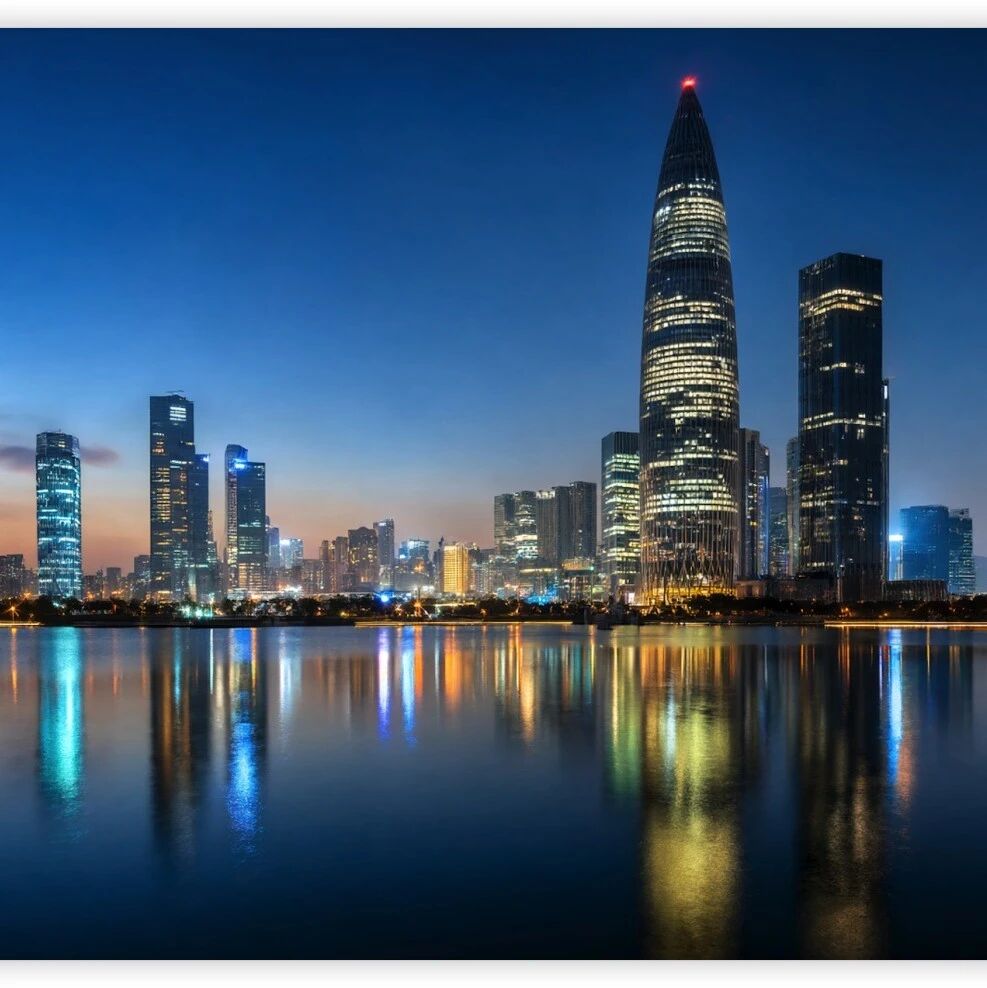
The truth is I've been using Qwen Image 2.1 for the past two weeks, and the more I use it, the smoother it gets.
Today I won't talk about model parameters; I'll just talk about how an ordinary user like me squeezed it into his own workflow.
My approach is plain: run the Draw Things app on my Mac, and call Qwen Image through the HTTP interface it provides.
Tools built on the Open WebUI stack, like Draw Things, can all be connected this way, and tools like ComfyUI can also go over HTTP—you don't necessarily need MCP. Because the whole process, put plainly, is just this: send the keywords and the relevant materials to the interface. There's nothing complicated about it.
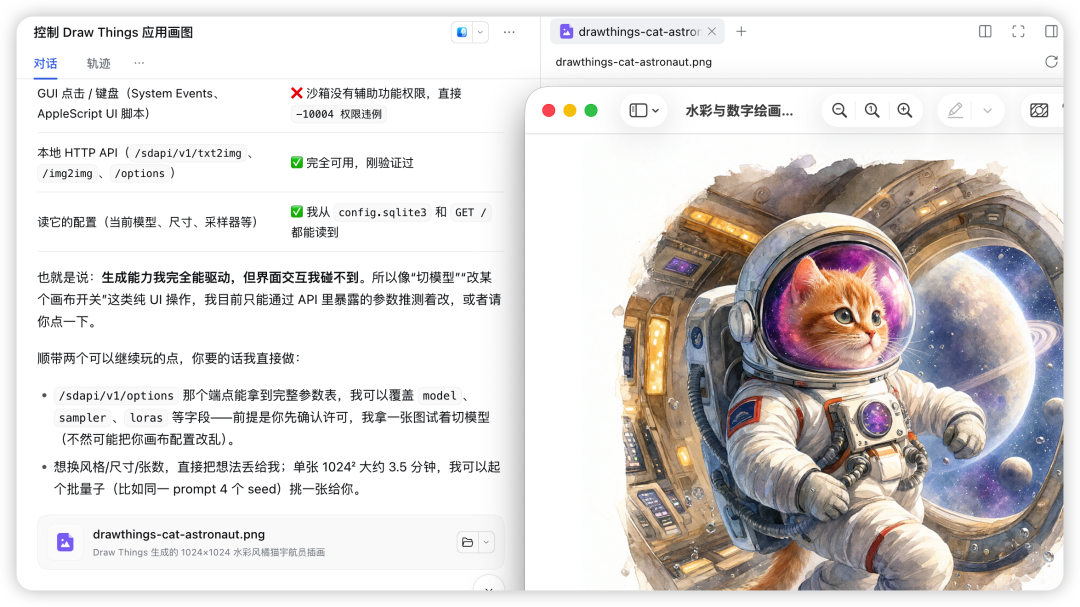
An agent calling an HTTP service through the interface (the image tool needs this feature enabled)
Here are the timings on my 36G MacBook using the full-size original model:
- Generating a 1024×1024 image takes about 3 minutes;
- A large 2048-wide image takes around 10 minutes;
- For image-to-image with reference images, each extra reference image adds another 1–2 minutes.
Not fast, but for my "send it off and forget it" usage, it's completely enough. Because the thing actually doing the work isn't my waiting time—it's the agent.
If you have a 5080 with 16G of VRAM, things only get better: with the int8 version of the template ComfyUI provides, most tasks finish within 1 minute.
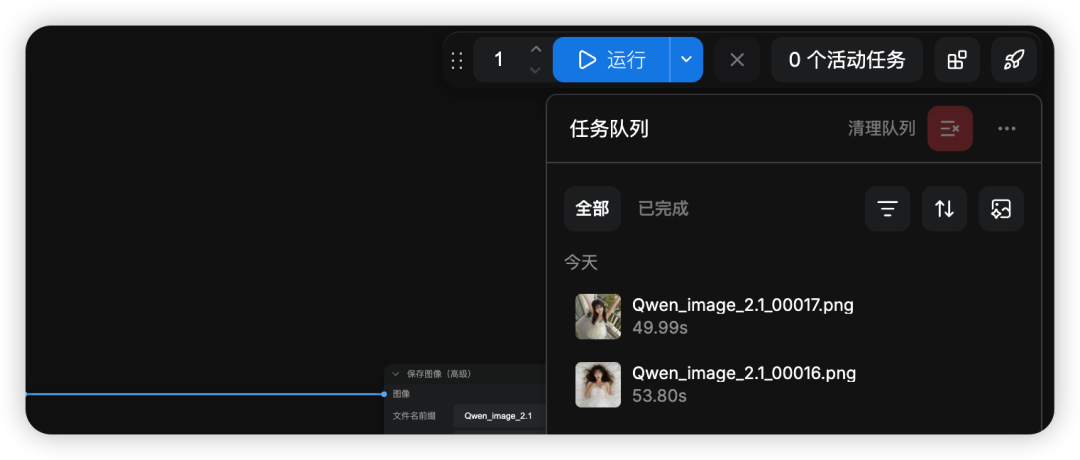
Reference timings for generating 2048x2048 images on a 5080
There's also a 4bit quantized version. The model as a whole is only 4G, but it follows instructions poorly on more complex tasks, and the overall time consumed doesn't change—if conditions allow, I'd still recommend a better version.
Recently, while building an introduction site for Shenzhen, I started out generating images entirely from text, and no matter how I looked at them, something was off: I couldn't describe what I wanted, and I couldn't tune it to be right.
Later I just threw reference images at the AI, and it was decisive—it simply erased the Logo and used the image.
The lesson from that step: rather than grinding away at a prompt, just give the model an "answer key." A prompt describes what you imagine; a reference image supplies real constraints.
Going a step further, I handed the building and location information to an AI agent and let it go find reference images on its own.
I have to praise Cursor here—it's really capable: it found several images on its own, read them to confirm whether they were usable, then filled in the prompt; after getting the generated image it reviews it once itself, and throws it back for a redo if it isn't satisfied, until it outputs a qualified finished product. I barely touched this whole chain.
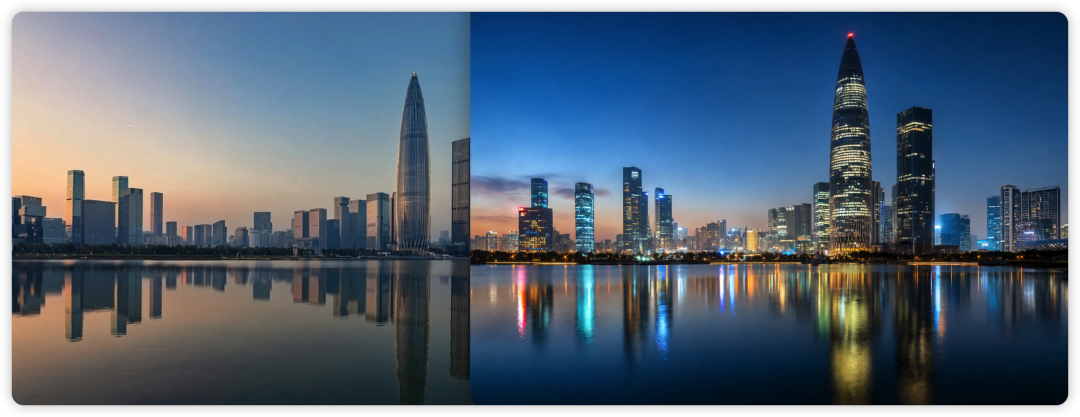
The source image is the Spring Bamboo Tower photo from Baidu Baike, changed to night with a teal-and-orange grade
With this chain in place, the rest of the work followed naturally: color grading, swapping backgrounds, turning day into night… I tested them one by one, and they all went smoothly.
And calling the image tool through an agent doesn't actually consume many tokens. Ten calls cost only 0.7 yuan on the DeepSeek side—an average of 7 fen per image.
What's more valuable than that is this: once the work is handed to the agent, I don't need to sit there watching it—I can just get up and walk away. When I come back, the image is already done.
After using this for the past few days, I no longer open Doubao.
Not because Doubao is bad. It's that my local setup is more stable and more controllable.
For images I generated in Doubao before, lately the flowcharts don't look as good as they used to—maybe the model is being iterated, maybe it's something else; either way I can't control it. With Qwen Image deployed locally, I can fix the prompt, fix the reference images, and fix the style—the consistency of my output is mine to decide.
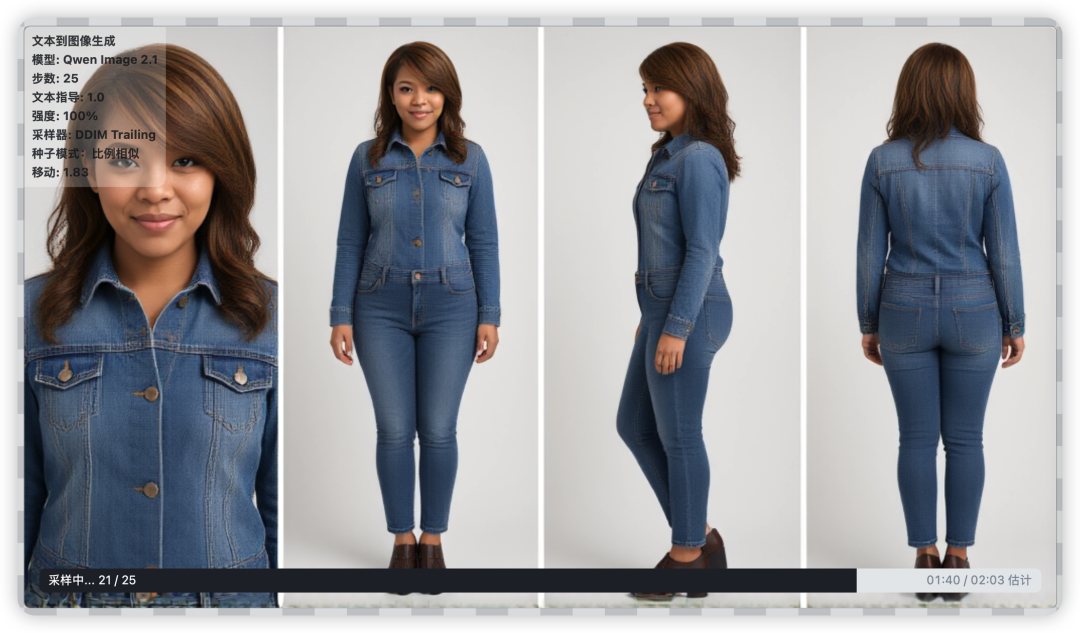
The character three-view sheets commonly used for short dramas—Qwen Image handles them easily
And once it's fully handed over to an agent to operate, what it can do goes far beyond "generate an image."
I used to think local deployment meant "a very high hardware bar and a lot of fiddling," and that only people with a maxed-out graphics card were entitled to play.
But my experience over these two weeks is the exact opposite: one laptop, one app, one HTTP interface, plus an agent that finds images on its own, is already enough to support a small production line that runs from sourcing material to generation, retouching, and delivery.
If you also have a need for AI image generation, I suggest you give Qwen Image 2.1 a try this weekend. Trust me, you won't be disappointed.