AI Coding Tools Roundup: The Absolute Beginner's Edition
If you have an idea for an app you'd like to build yourself, but you're held back by having no programming background, these tools might just help you make that idea real.
Having written this WeChat account for so long, I've noticed that more and more people with zero technical background are getting the urge to "build an app themselves" — out of interest, curiosity, or the desire to solve one specific problem.
They say interest is the best teacher. So if you've got the interest, go ahead and actually get your hands dirty.
Today I'd like to introduce a few AI coding tools. Even if you don't know how to write code, you can still put together a small product. Whether you want to make a little game or a small tool for keeping track of your life, you can start here.
Tools
Google AI Studio
Google's AI Studio has Google's most powerful model, Gemini. At the end of 2025, Gemini 3 is far ahead of the other models.
The only catch is that users in mainland China can't use it.
URL: https://aistudio.google.com/apps
Select build mode and just type in your idea.
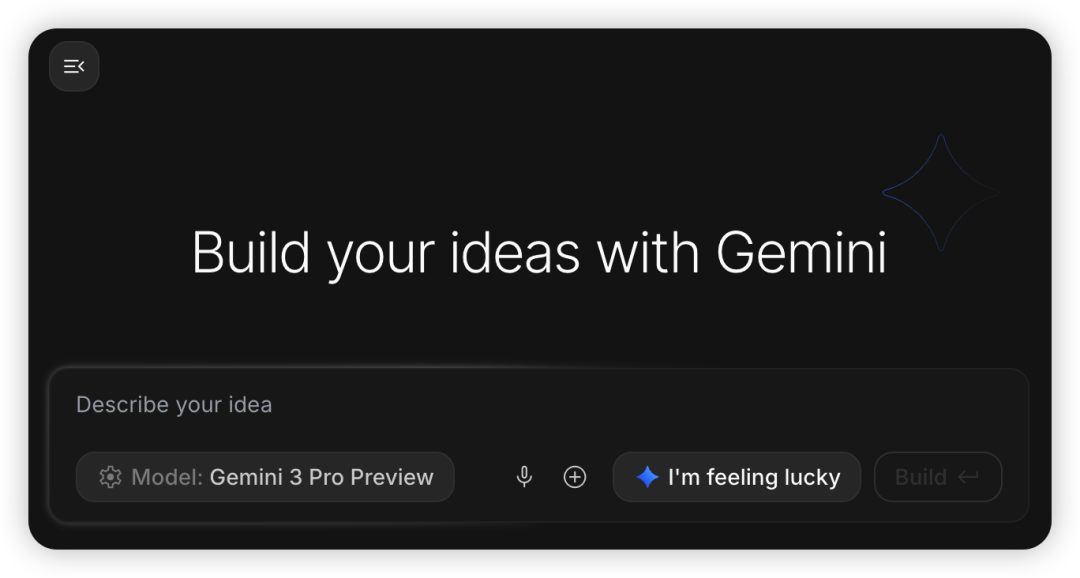
There's no app version yet, but it does support access from mobile phones.
Google positions Gemini App for general consumers and Google AI Studio for developers.
Kimi
Kimi, from Moonshot AI — before DeepSeek came along, Kimi was probably the choice for plenty of people in China. In October 2025 it launched its own K2 model, which you can also use to build small apps.
How to use it:
- Download the Kimi app from your phone's app store
- Open the Kimi Assistant mini program in WeChat
- Visit https://www.kimi.com in a browser
Switch to OK Computer mode (on the web version, click the "Web App" button), then just type in your idea.
Side note: Moonshot and OK Computer — these folks are clearly rock fans, haha.
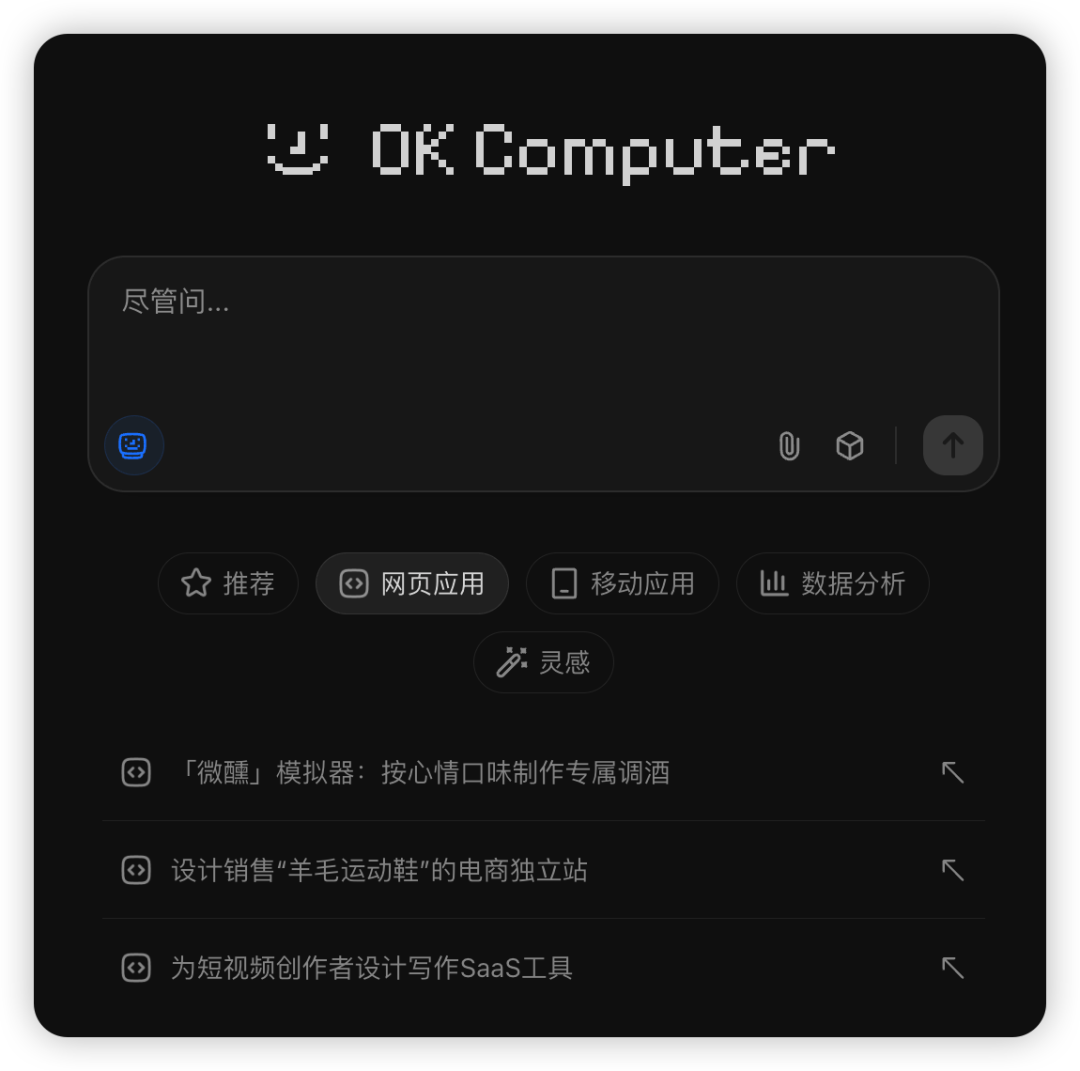
It really does spin up a computer for you (think of it as a virtual machine), then plans out your content, writes the code, and deploys it to a public URL.
Since the final product is a URL, you can share it with your friends. The only snag is that WeChat will intercept the link because of how the URL is encoded — you can file an appeal.
MiniMax
A company that spent years on audio and video models, in 2025 it finally released its own large language model, M2, which comes with basic coding ability.
How to use it:
- Download the MiniMax app from your phone's app store
- Visit https://agent.minimaxi.com in a browser
Just type in the app you want to build.

Unfortunately, MiniMax only lets you share the process of building an app, not the app itself; you have to download the files and deploy them yourself.
Lingguang
In 2025, a bit unexpectedly, Ant also launched its own AI app, Lingguang. Yes, that Ant — the company behind Alipay. It's independent of Alibaba and put out an app of its own.
How to use it:
- Download the Lingguang app from your phone's app store
- Visit: https://www.lingguang.com/chat in a browser
Just type in the app you want to build.
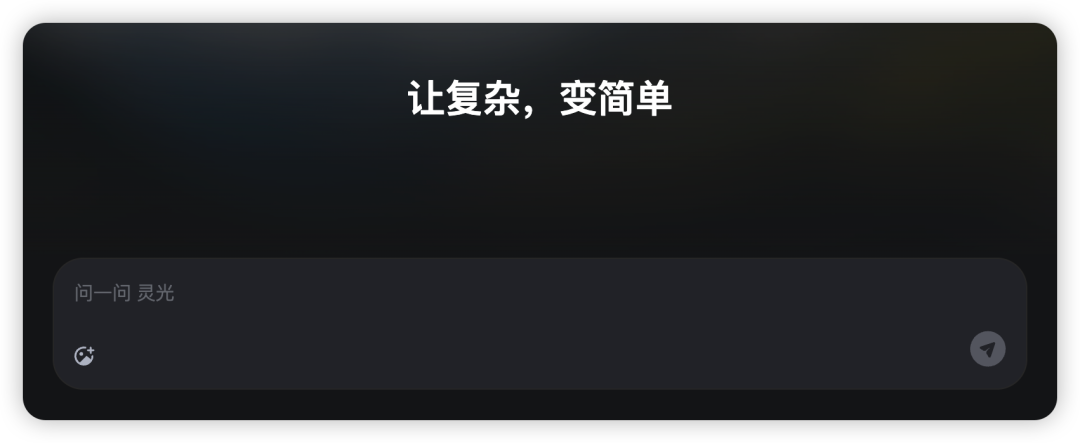
Once the app is finished, it stays saved in My Flash Apps. You can use it again and again, and share it with your friends.
What can you make?
Plenty. Here are just a few that come to mind:
- A personal résumé
- A company site, complete with an about section, services, contact details and so on
- A wedding or banquet invitation to send to your friends
- A product demo
- Small games: link-up puzzles, sudoku…
- ……
For more, take a look at the examples on their official app and website.

How do you do it?
Just describe your idea in natural language. You can even send it the URL of a site you like, or screenshots of an app, and have it replicate that or generate code from the image.
One thing to keep in mind: smart as these large models are, getting it right in one shot is still hard. Even the best of them, Gemini, needs several rounds of conversation for a complex task.
So the debugging process takes some patience. Tell the AI your feedback, go back and forth a few times, and I believe you'll end up with an app that fits you much better.
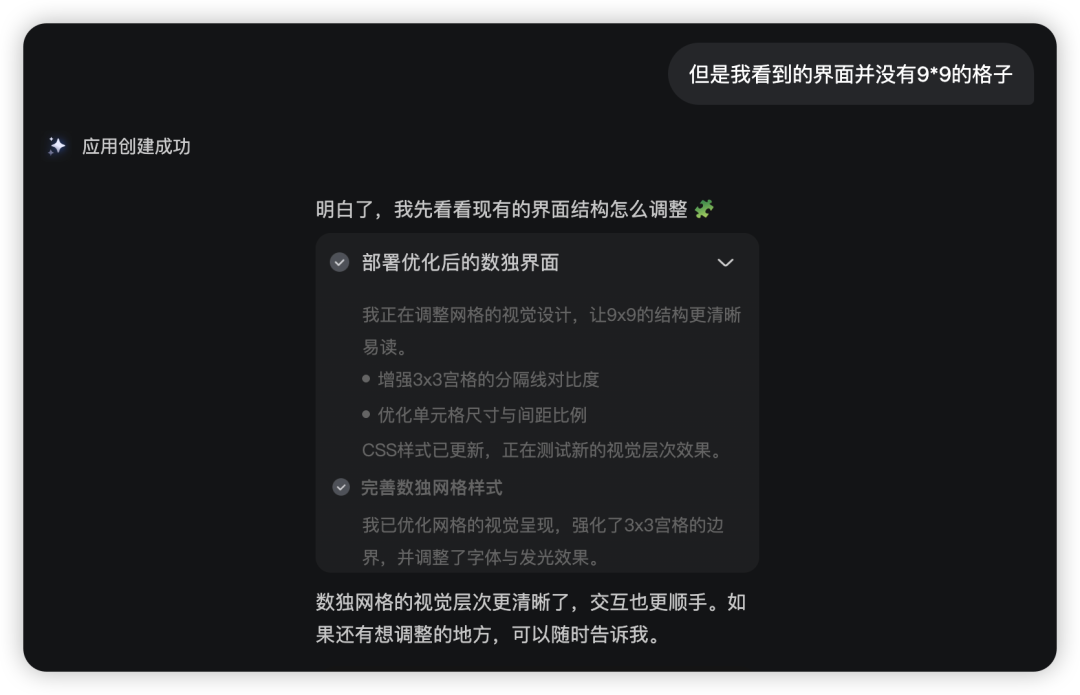
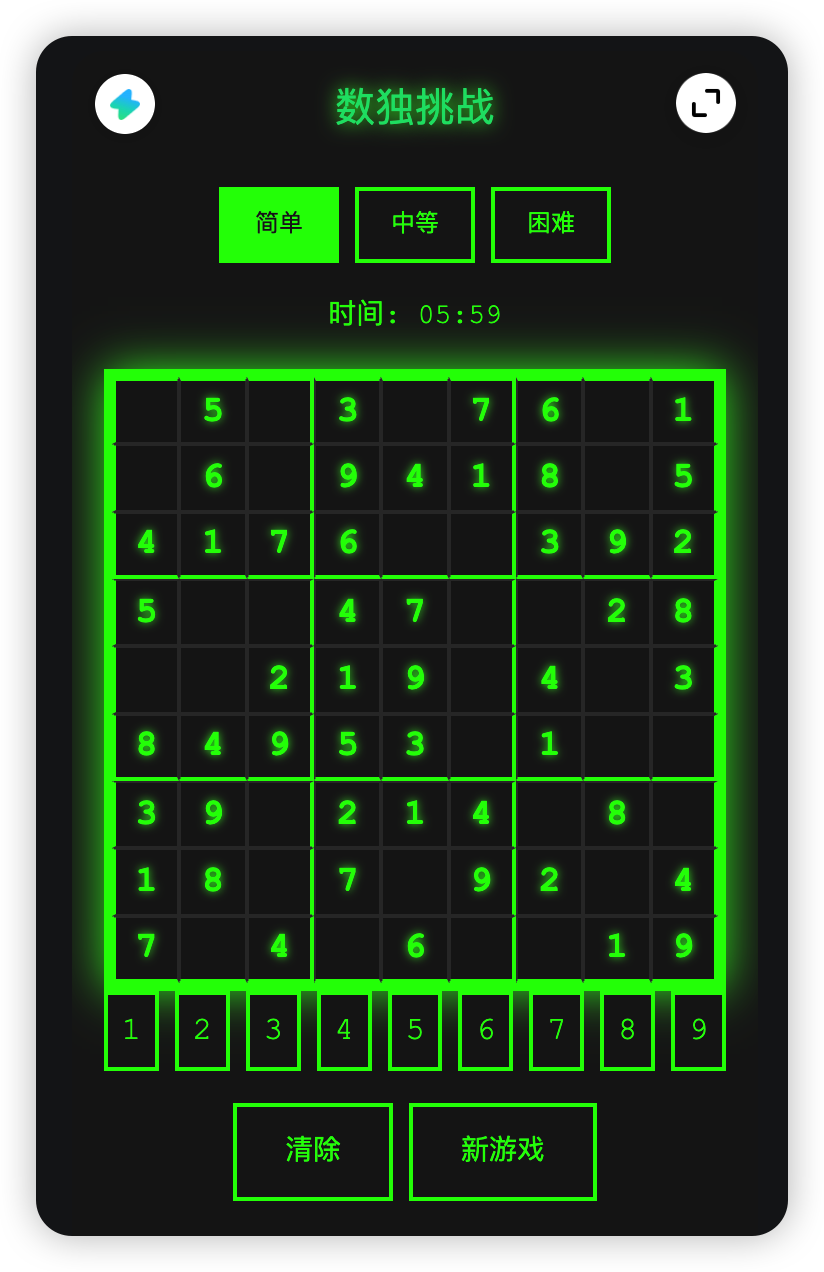
It took many rounds of back-and-forth with the Lingguang app before I finally got a sudoku game.
For the debugging process, you can read my earlier post: The Explosive Gemini 3 Points to a New Direction for AI Apps
That's the tool tour. The rest is up to you to get hands-on!
I hope these tools help you build an app you love.
If I've missed a tool, or if you have other thoughts or suggestions, leave a comment and let's talk.